AFI
AFI
Insightly CRM
Insightly is a CRM and project management platform for small to mid-sized businesses. Advanced Form Integration sends form submissions to Insightly as new contacts, leads, organizations, or opportunities.
What you’ll need
- An active Insightly account.
- An Insightly API key (User Settings → API tab).
- The Advanced Form Integration plugin installed and activated.
Connect Insightly to AFI
- In WordPress, go to AFI → Settings → Insightly CRM.
- Paste the API key and click Save Changes.
Create the integration
- Go to AFI → Add New.
- Configure the trigger.
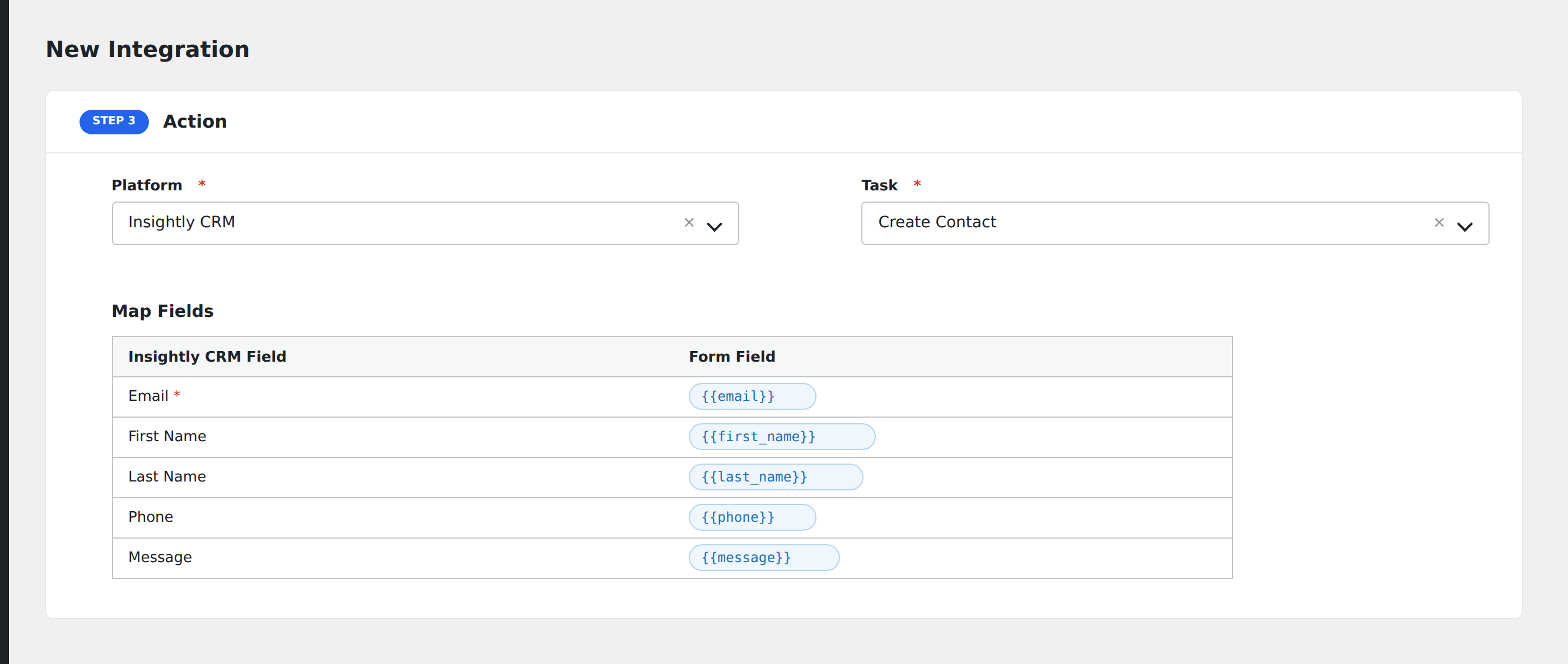
- In Action → Platform, select Insightly CRM.
- In Task, choose Create Contact, Create Lead, Create Organisation, or Create Opportunity.
- Map the form fields to Insightly properties.
- Optional: configure Conditional Logic.
- Click Save Integration.