AFI
AFI
ConvertPro Forms
ConvertPro is a premium WordPress lead-capture and popup plugin from Brainstorm Force. Advanced Form Integration captures every ConvertPro submission (popup signups, inline forms, after-post forms) and routes the data to any of 200+ destinations.
What you’ll need
- The ConvertPro plugin installed and activated.
- The Advanced Form Integration plugin installed and activated.
- At least one ConvertPro form configured.
Supported form fields
Standard text, email, number, phone, URL, textarea, date, select, radio, checkbox, and hidden fields. Custom fields you’ve added also flow through.
Create the integration
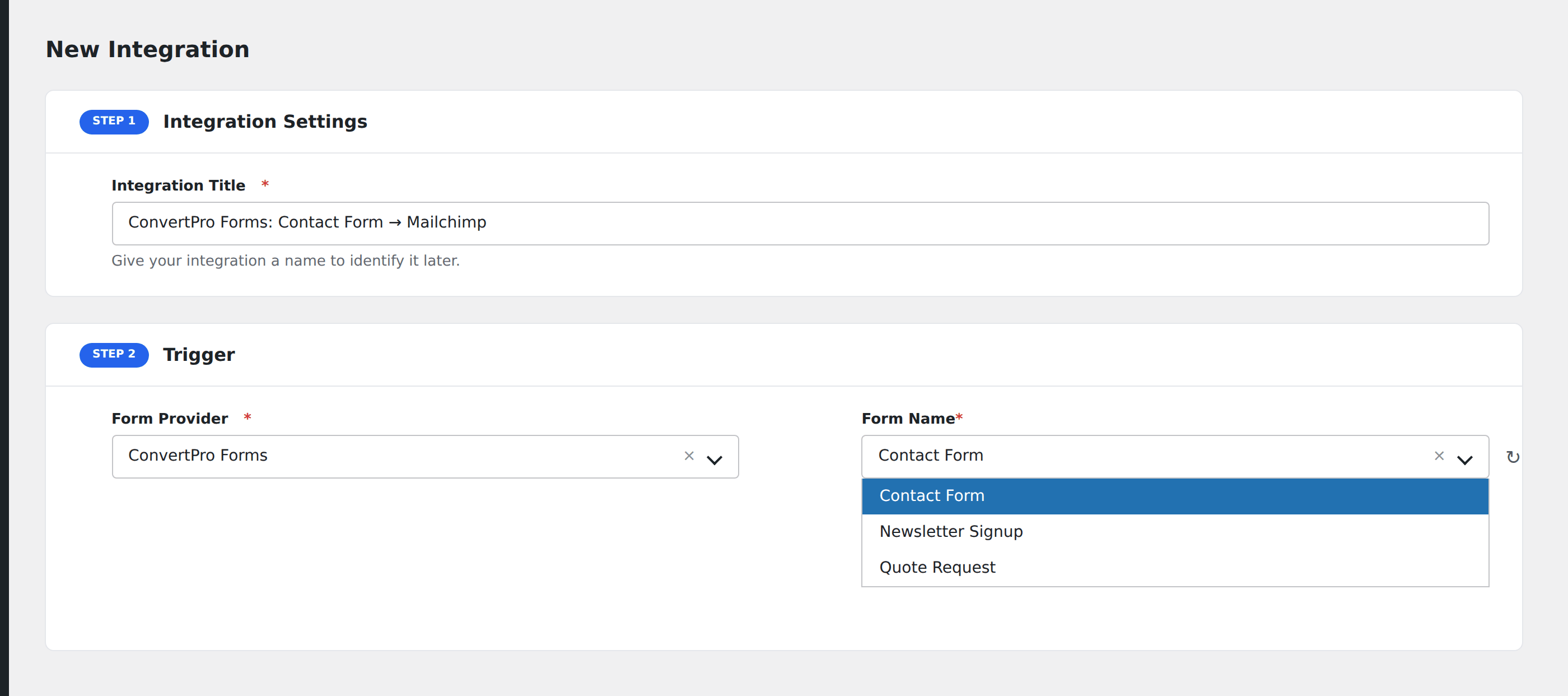
- Go to WP Admin → AFI → Add New.
- Enter an Integration Title, e.g.
ConvertPro popup → Mailchimp. - In Trigger → Form/Data Provider, select ConvertPro Forms.
- In Form/Task Name, choose the ConvertPro form.
- In Action → Platform, pick the destination and complete the field mapping.
- Optional: configure Conditional Logic.
- Click Save Integration.