 AFI
AFI
Pipeline CRM
Pipeline CRM (formerly PipelineDeals) is a sales-pipeline CRM built for B2B sales teams. Advanced Form Integration sends form submissions to Pipeline CRM as new people or deals.
What you’ll need
- An active Pipeline CRM account.
- A Pipeline CRM API key (Profile → API Key).
- The Advanced Form Integration plugin installed and activated.
Connect Pipeline CRM to AFI
- In WordPress, go to AFI → Settings → Pipeline CRM.
- Paste the API key and click Save Changes.
Create the integration
- Go to AFI → Add New.
- Configure the trigger.
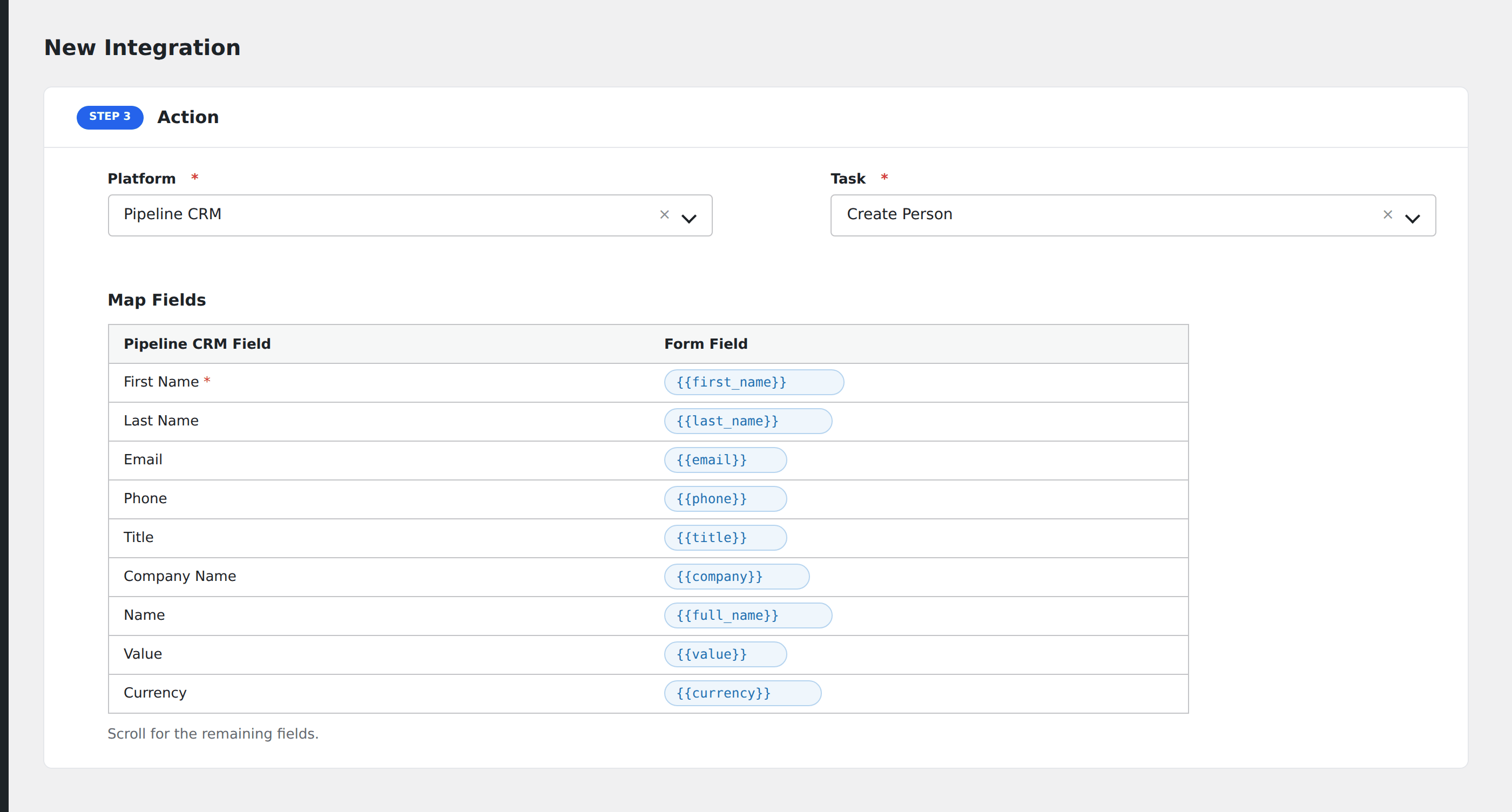
- In Action → Platform, select Pipeline CRM.
- In Task, choose Create Person or Create Deal.
- Map the form fields:
- For person: First Name, Last Name (required), Email, Phone, Title, Company Name.
- For deal: Name (required), Value, Currency, Stage, Probability, Expected Close Date, Person, Company.
- Custom fields by API name.
- Optional: configure Conditional Logic.
- Click Save Integration.
Conditional logic example
Create a Pipeline CRM deal only when the form’s interested_in_buying field is “yes”. Pure-information requests create only a Person record without a deal.