AFI
AFI
Mailster
Mailster is a popular WordPress email-newsletter plugin (self-hosted). Advanced Form Integration sends every form submission to Mailster as a new subscriber.
What you’ll need
- The Mailster plugin installed and activated on your WordPress site.
- The Advanced Form Integration plugin installed and activated.
No API key needed. Both plugins run side-by-side.
Create the integration
- Go to AFI → Add New.
- Configure the trigger.
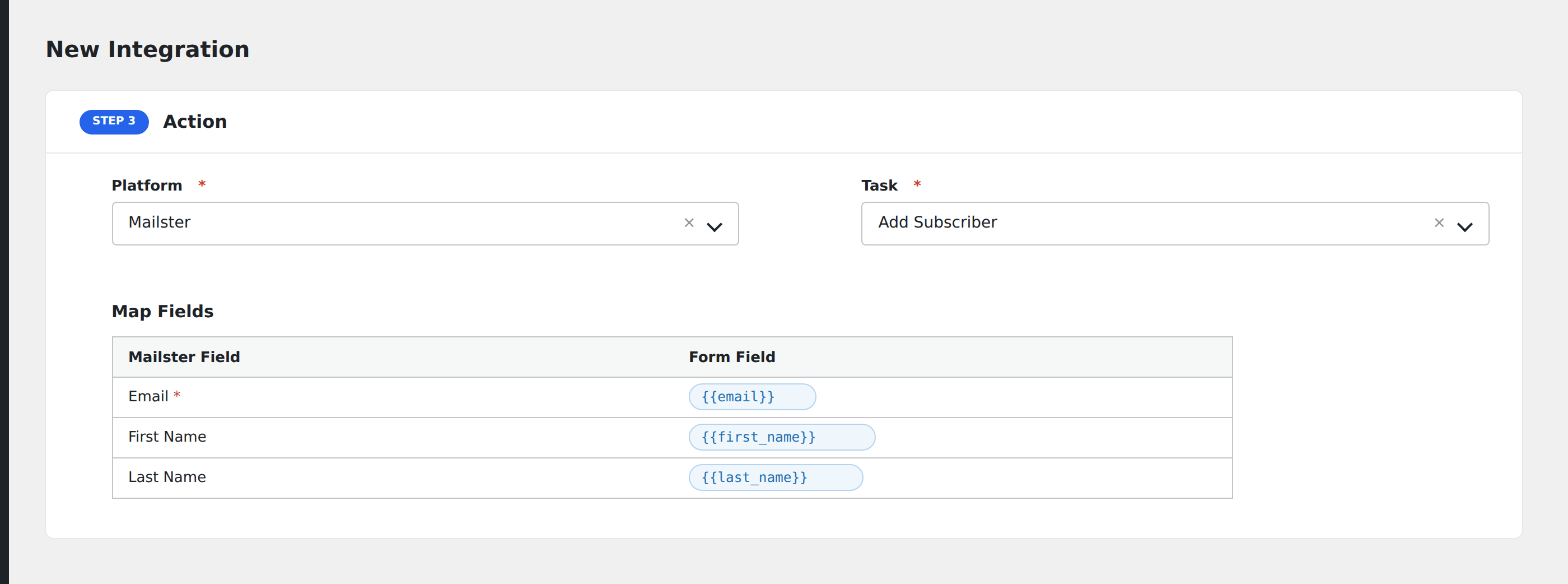
- In Action → Platform, select Mailster.
- In Task, choose Add Subscriber.
- Pick the Lists to assign.
- Map the form fields:
- Email (required), First Name, Last Name.
- Custom fields by name (must be defined in Mailster first).
- Optional: configure Conditional Logic.
- Click Save Integration.