 AFI
AFI
Amelia
Amelia is a powerful WordPress booking plugin from TMS Plugins for service businesses, professionals, and event organizers. Advanced Form Integration captures Amelia events (appointments, event tickets, package purchases) and routes the data to any of 200+ destinations.
What you’ll need
- The Amelia plugin (free or Pro) installed and activated.
- At least one service or event configured.
- The Advanced Form Integration plugin installed and activated.
Booking data captured
| Field | Format |
|---|---|
| Customer name | First and last separately |
| Customer email | Same as input |
| Customer phone | Same as input |
| Service / Event | Name of the booked item |
| Service ID | Numeric Amelia ID |
| Provider | The staff member providing the service |
| Location | The booking location |
| Date | YYYY-MM-DD |
| Start time | HH:MM |
| End time | HH:MM |
| Duration | Minutes (numeric) |
| Booking total | Numeric, in your default currency |
| Currency | 3-letter code |
| Payment status | pending / paid / partially_paid |
| Booking status | pending / approved / rejected / canceled |
| Customer notes | Same as input |
Amelia’s custom fields also flow through with their field name.
Create the integration
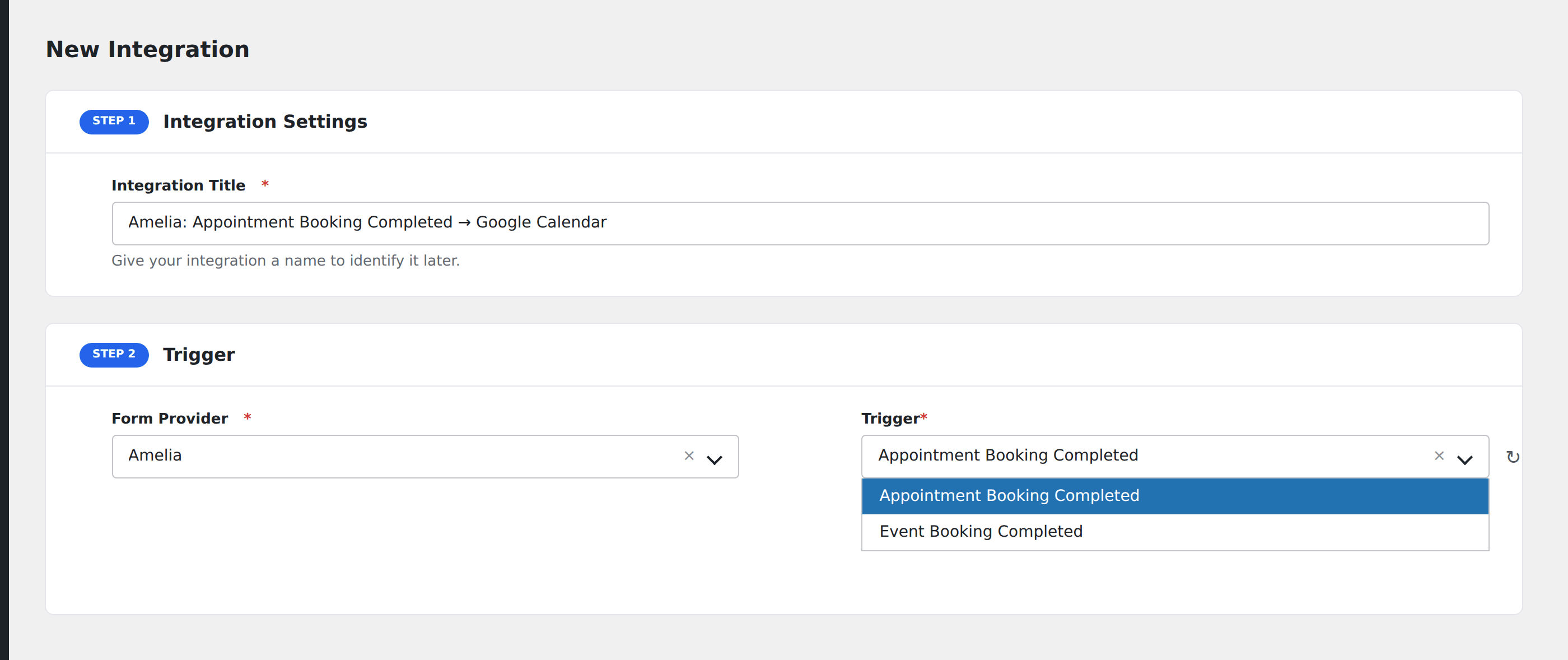
- Go to WP Admin → AFI → Add New.
- Enter an Integration Title, e.g.
Amelia booking → Google Calendar. - In Trigger → Form/Data Provider, select Amelia.
- In Form/Task Name, choose the event (Booking Approved, Booking Pending, Event Ticket, etc.).
- In Action → Platform, pick the destination and complete the field mapping.
- Optional: configure Conditional Logic.
- Click Save Integration.
Conditional logic example
Goal: when a booking exceeds $300, also send a personalized confirmation SMS via Twilio.
Create a Twilio integration on the Amelia trigger. Open the Conditional Logic panel, add a condition with the booking total field, Greater Than, value 300. Smaller bookings only flow to the standard CRM destination.
Troubleshooting
Pending vs. approved bookings
Amelia distinguishes between pending bookings (awaiting admin approval) and approved bookings. AFI fires separate events for each. If you only want CRM sync after approval, listen for the Booking Approved event rather than the generic New Booking.
Custom fields missing in mapping
Amelia’s custom fields appear in the field-mapping dropdown only after the first booking with that field populated. Submit a test booking to surface them.