 AFI
AFI
Easy Affiliate
Easy Affiliate is a popular WordPress affiliate marketing plugin from Caseproof (the makers of MemberPress). Advanced Form Integration captures Easy Affiliate events (affiliate registrations, referrals, commission payments) and routes the data to any of 200+ destinations.
What you’ll need
- The Easy Affiliate plugin installed and activated.
- The Advanced Form Integration plugin installed and activated.
Event data captured
| Field | Format |
|---|---|
| Event type | affiliate_registered, referral_created, commission_paid |
| Affiliate name | First and last separately |
| Affiliate email | Same as input |
| Affiliate slug | URL-friendly identifier |
| Referral count | Numeric (cumulative) |
| Commission amount | Numeric (for referral / commission events) |
| Commission status | pending / paid / unpaid |
| Created at | YYYY-MM-DD HH:MM:SS |
Create the integration
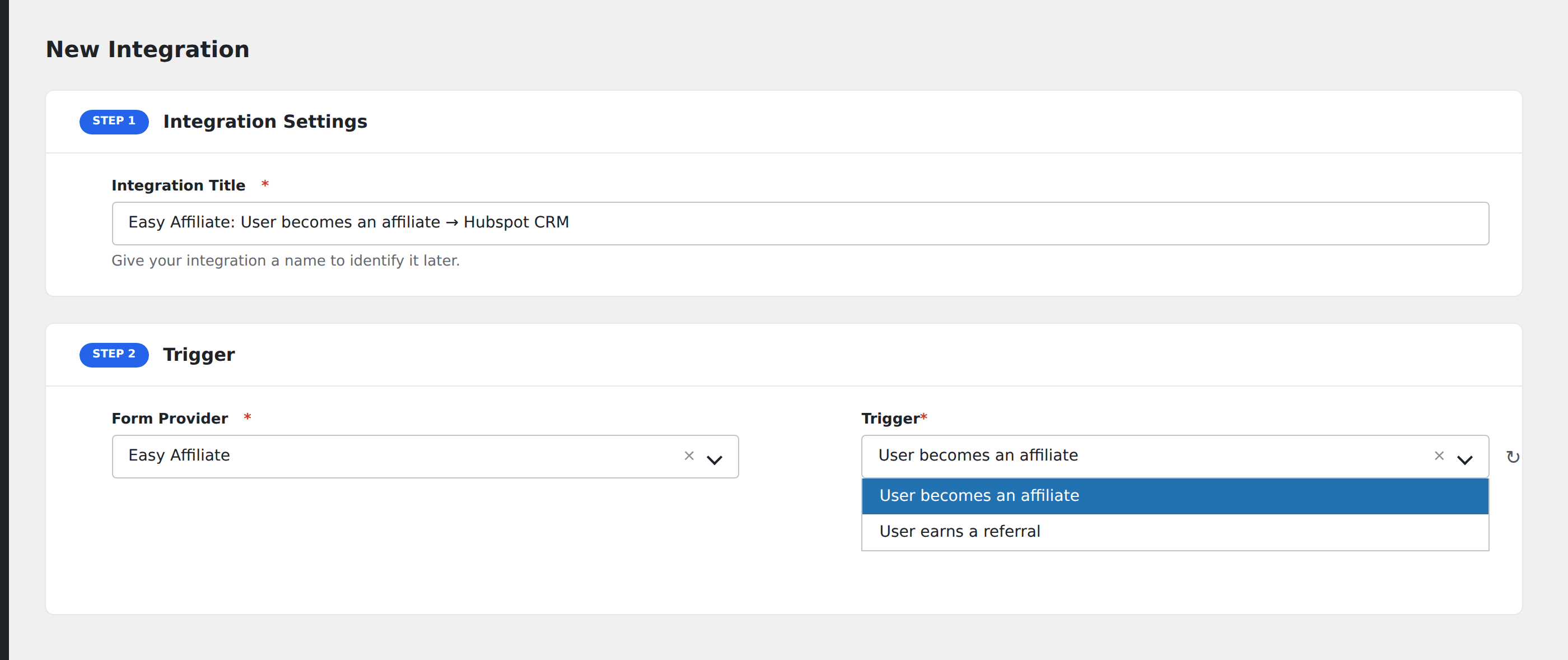
- Go to WP Admin → AFI → Add New.
- Enter an Integration Title.
- In Trigger → Form/Data Provider, select Easy Affiliate.
- In Form/Task Name, choose the event.
- In Action → Platform, pick the destination and complete the field mapping.
- Optional: configure Conditional Logic.
- Click Save Integration.
Conditional logic example
Goal: ping the partnerships team’s Slack DM when an affiliate generates a commission over $500.
Create a Slack integration on the Referral Created event. Open the Conditional Logic panel, add a condition with the commission amount field, Greater Than, value 500.