 AFI
AFI
RafflePress
RafflePress is a popular WordPress giveaway and contest plugin. Advanced Form Integration captures every RafflePress entry and routes the data to any of 200+ destinations, useful for piping entrants into a Mailchimp segment, archiving entries in a Google Sheet, or alerting the team about a high-value entrant.
What you’ll need
- The RafflePress plugin (Lite or Pro) installed and activated.
- At least one giveaway published.
- The Advanced Form Integration plugin installed and activated.
Entry data captured
| Field | Format |
|---|---|
| Entrant name | First and last separately |
| Entrant email | Same as input |
| Giveaway name | The giveaway title |
| Giveaway ID | Numeric RafflePress ID |
| Entry actions | Comma-separated entry method names |
| Entry count | Numeric (cumulative entries) |
| Created at | YYYY-MM-DD HH:MM:SS |
Create the integration
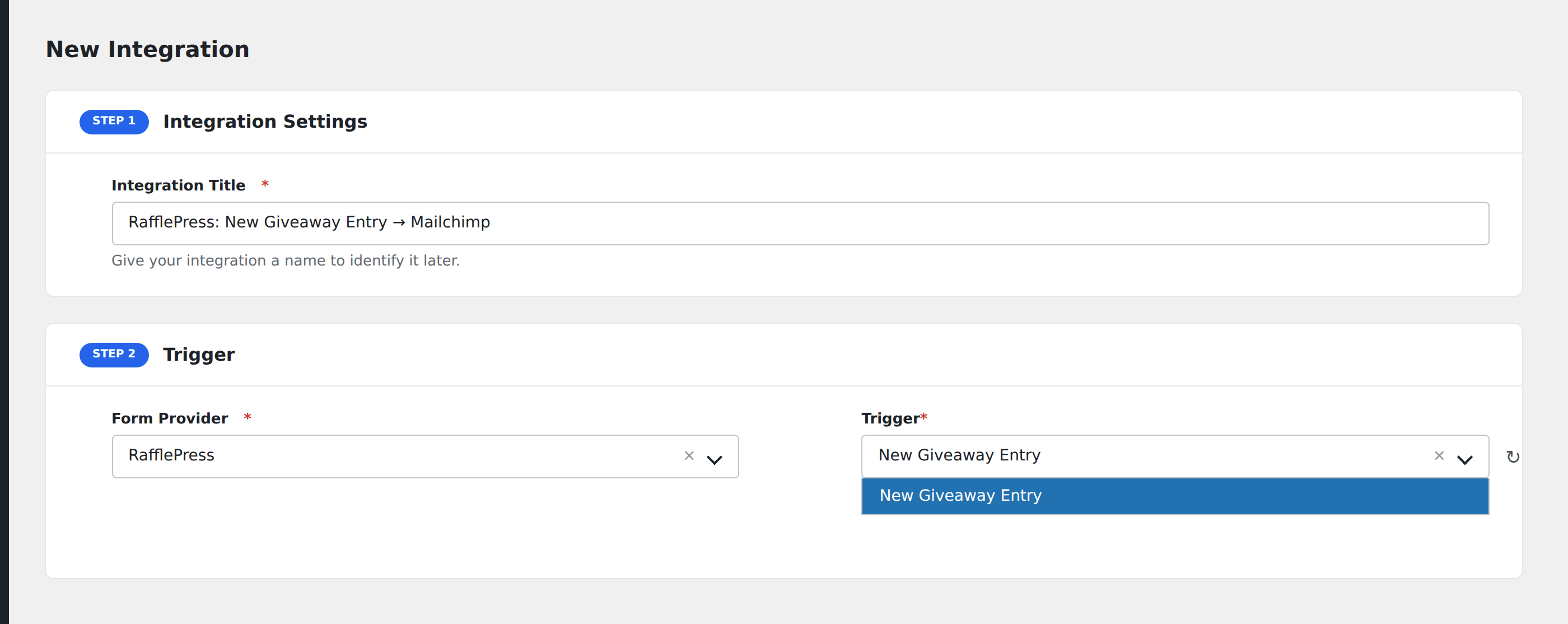
- Go to WP Admin → AFI → Add New.
- Enter an Integration Title, e.g.
Giveaway entry → Mailchimp. - In Trigger → Form/Data Provider, select RafflePress.
- In Form/Task Name, choose the giveaway.
- In Action → Platform, pick the destination and complete the field mapping.
- Optional: configure Conditional Logic.
- Click Save Integration.
Conditional logic example
Goal: add entrants to the Mailchimp list, but only when they completed at least 3 entry actions (more engaged participants).
Create the Mailchimp integration. Open the Conditional Logic panel, add a condition with the entry count field, Greater Than, value 2.