 AFI
AFI
WP-Polls
WP-Polls is a long-standing WordPress polling plugin with AJAX voting, multiple-answer support, and template customisation. Advanced Form Integration captures poll votes and routes the data to any of 200+ destinations.
What you’ll need
- The WP-Polls plugin installed and activated.
- At least one poll created under Polls → Add Poll.
- The Advanced Form Integration plugin installed and activated.
When the trigger fires
AFI registers a single Poll Voted trigger for WP-Polls. It fires when a vote is recorded and the poll counters have been updated in the database.
Data captured
| Field | Field key | Format |
|---|---|---|
| Poll ID | poll_id |
Numeric ID |
| Poll Question | question |
Text, the poll question |
| Selected Answer | selected_answers |
Text, comma separated when the poll allows more than one answer |
| Visitor IP | user_ip |
IP address |
Create the integration
- Go to WP Admin → AFI → Add New.
- Enter an Integration Title, e.g.
WP-Polls: Poll Voted → Google Sheets. - In Trigger → Form/Data Provider, select WP-Polls.
- In Form/Task Name, choose Poll Voted.
- In Action → Platform, pick the destination and complete the field mapping.
- Optional: configure Conditional Logic so only matching events are sent.
- Click Save Integration.
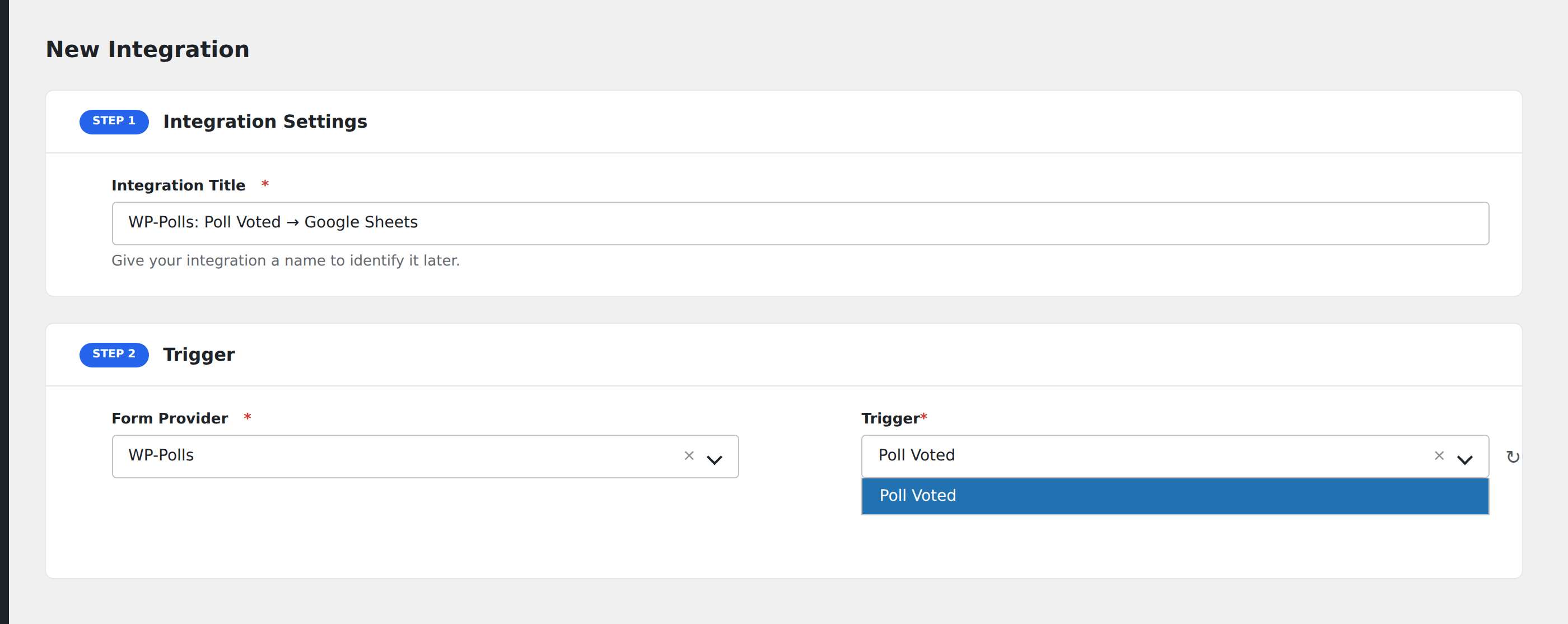
How AFI listens for votes
AFI hooks wp_polls_vote_poll_success, fired from ajax_vote_poll() in wp-polls.php only after both counter updates have succeeded; a failed query throws before that point is reached. The hook itself takes no arguments, so AFI reads the poll ID and the selected answers from $_POST exactly as the plugin’s own vote handler does, which is safe because the hook runs synchronously inside the same request. Question and answer text are resolved through $wpdb->pollsq and $wpdb->pollsa, real $wpdb properties the plugin registers at load time rather than guessed table names. Registration is guarded by defined( 'WP_POLLS_VERSION' ).
Answers arrive as readable text
Selected Answer(s) contains the answer text, comma-separated for multiple-choice polls, not the internal answer IDs. That means a spreadsheet row or Slack message reads correctly without a lookup.
Votes are anonymous
WP-Polls does not collect names or addresses. Visitor IP is the only identifier available.
Troubleshooting
Nothing fires
Confirm voting is actually AJAX-driven on your theme. Some heavily customised templates submit the poll form with a full page reload through a different code path.
Logged-in-only polls
If the poll is restricted to registered voters, visitors who are logged out are rejected before the vote is recorded, so no event dispatches.