 AFI
AFI
LearnPress
LearnPress is a free WordPress LMS plugin from ThimPress. Advanced Form Integration captures LearnPress events (student enrollments, course completions, lesson and quiz events) and routes the data to any of 200+ destinations.
What you’ll need
- The LearnPress plugin installed and activated.
- At least one course published.
- The Advanced Form Integration plugin installed and activated.
Event data captured
| Field | Format |
|---|---|
| Event type | course_enrolled, course_finished, lesson_completed, quiz_completed |
| Student name | First and last separately |
| Student email | Same as input |
| Student ID | Numeric WordPress user ID |
| Course title | The course name |
| Course ID | Numeric LearnPress course ID |
| Lesson / Quiz | If applicable |
| Quiz score | Numeric, percentage |
| Completion date | YYYY-MM-DD HH:MM:SS |
Create the integration
- Go to WP Admin → AFI → Add New.
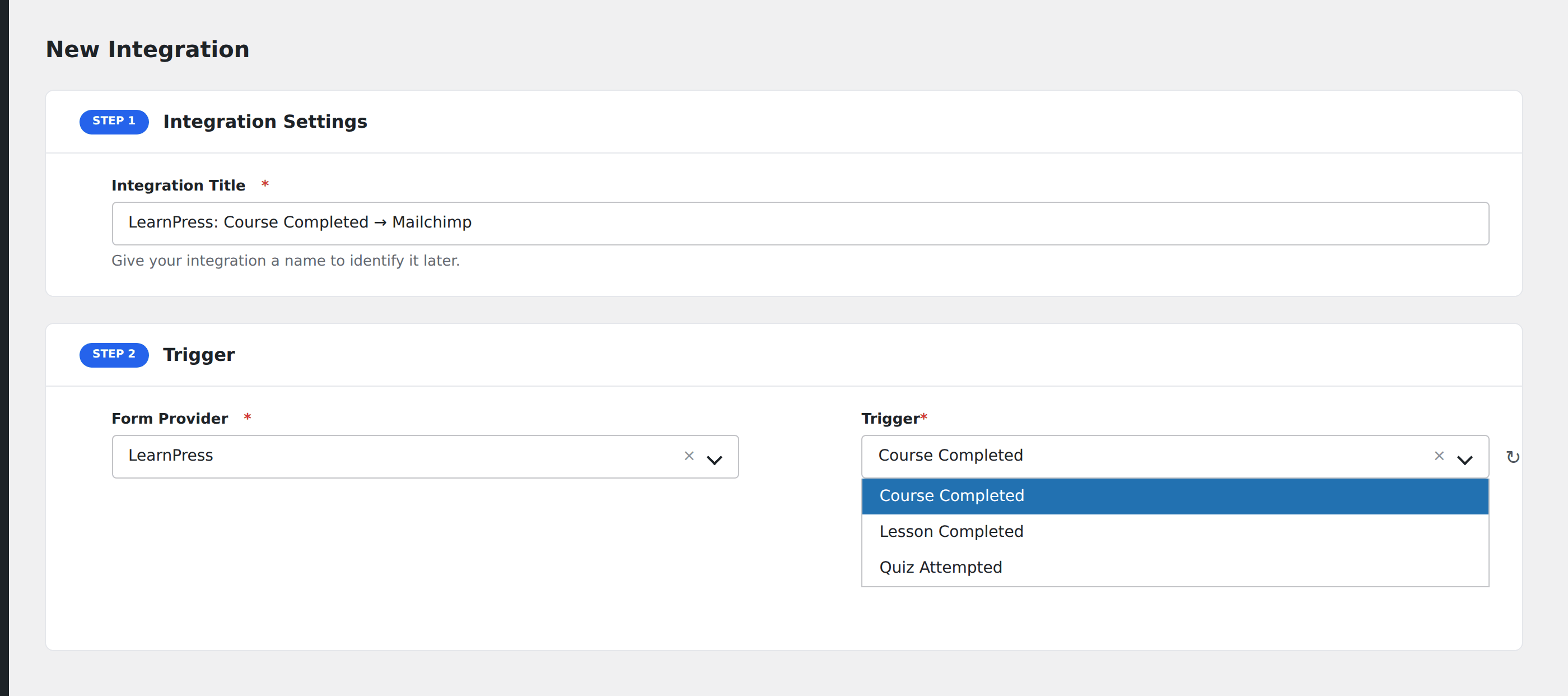
- Enter an Integration Title.
- In Trigger → Form/Data Provider, select LearnPress.
- In Form/Task Name, choose the event.
- In Action → Platform, pick the destination and complete the field mapping.
- Optional: configure Conditional Logic.
- Click Save Integration.
Conditional logic example
Goal: when a student completes a paid course, also create a HubSpot deal in the “Course Customer” pipeline.
Create the HubSpot integration on the Course Finished event. Open the Conditional Logic panel, add a condition on a course-tag or paid-flag field that distinguishes paid from free courses.
Troubleshooting
Course-completion event doesn’t fire
LearnPress fires the course-finished event when all required lessons in the course are marked complete. Configure each lesson’s completion criteria in Course Settings → Curriculum.