 AFI
AFI
Event Tickets
Event Tickets by The Events Calendar adds RSVP and ticket-sale capabilities to your WordPress site (works with or without The Events Calendar). Advanced Form Integration captures Event Tickets purchases and RSVPs and routes the data to any of 200+ destinations.
What you’ll need
- The Event Tickets plugin (or Event Tickets Plus for paid sales) installed and activated.
- At least one event or post with tickets/RSVPs configured.
- The Advanced Form Integration plugin installed and activated.
Ticket data captured
| Field | Format |
|---|---|
| Attendee name | Same as input |
| Attendee email | Same as input |
| Ticket type | The ticket name |
| Ticket ID | Numeric ticket ID |
| Quantity | Numeric |
| Order ID | Numeric Event Tickets order ID |
| Order total | Numeric, in your default currency |
| Currency | 3-letter code |
| Event name | The event the ticket belongs to |
| Event date | YYYY-MM-DD |
| Order status | pending / completed / cancelled |
| Payment gateway | The gateway used (Plus only) |
Create the integration
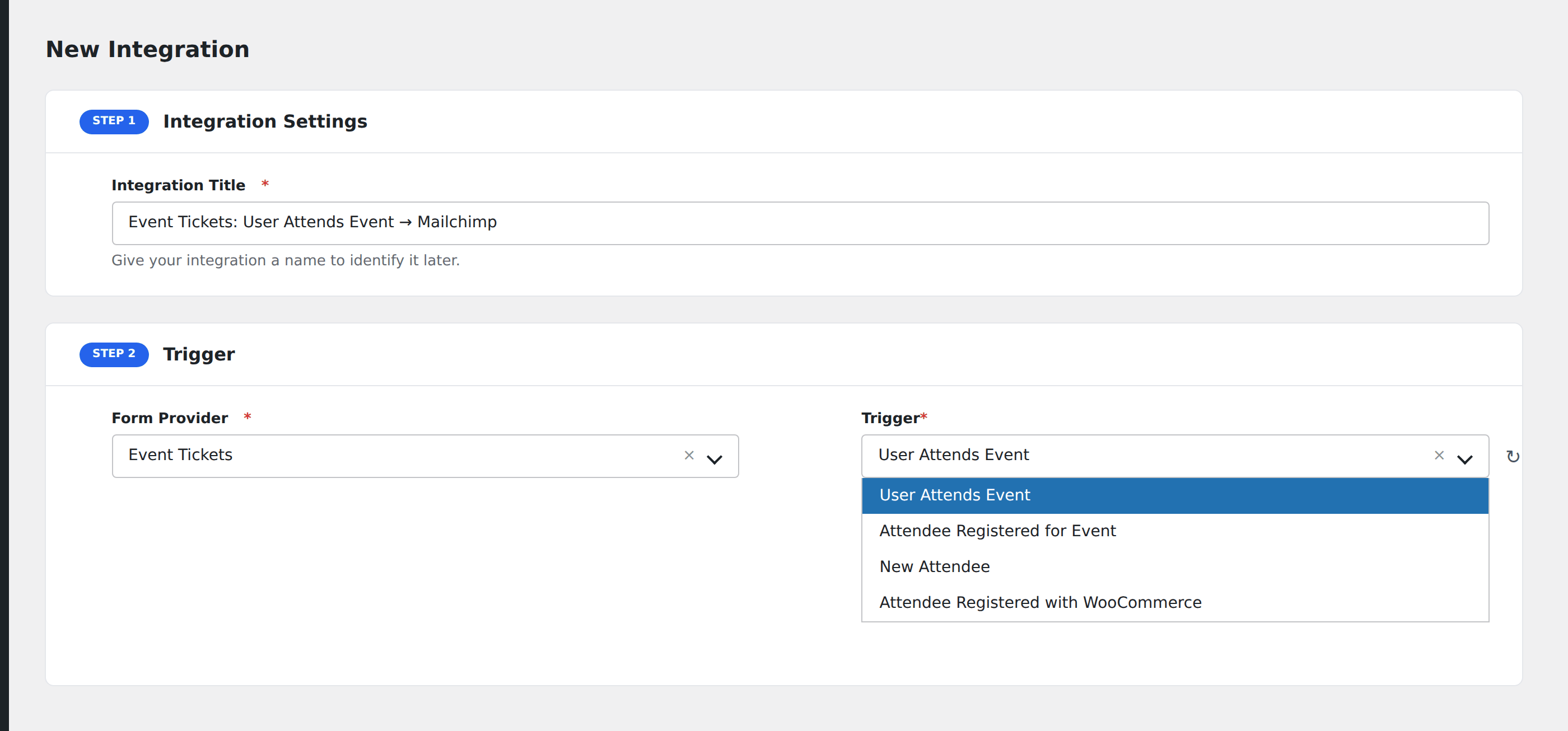
- Go to WP Admin → AFI → Add New.
- Enter an Integration Title, e.g.
Ticket sale → Mailchimp. - In Trigger → Form/Data Provider, select Event Tickets.
- In Form/Task Name, choose the event (Attendee Created, Ticket Sold, RSVP, etc.).
- In Action → Platform, pick the destination and complete the field mapping.
- Optional: configure Conditional Logic.
- Click Save Integration.
Conditional logic example
Goal: when a ticket is sold for the VIP type, ping the events team in Slack for white-glove onboarding.
Create a Slack integration. Open the Conditional Logic panel, add a condition with the ticket type field, Equal To, value VIP.
Troubleshooting
RSVP and Ticket events fire differently
RSVPs (free) fire as Attendee Created. Paid tickets fire as Ticket Sold plus Attendee Created. If both types are in use, listen to Attendee Created to capture all signups.
Order ID empty for free RSVPs
Free RSVPs don’t generate an order in Event Tickets. order_id will be empty. Use the attendee ID as the unique reference instead.