 AFI
AFI
Formidable Forms
Formidable Forms is an advanced WordPress form builder by Strategy11, known for its calculations, views, and database-style features. Advanced Form Integration captures every Formidable submission and routes the data to any of 200+ destinations.
What you’ll need
- The Formidable Forms plugin (Lite or Pro) installed and activated.
- The Advanced Form Integration plugin installed and activated.
- A form built in Formidable → Forms.
Supported form fields
| Field type | Supported | Output format / notes |
|---|---|---|
| Single line text | Yes | Same as input |
| Yes | Same as input | |
| Phone | Yes | Same as input |
| Number | Yes | Same as input |
| Paragraph | Yes | Same as input |
| Date | Yes | YYYY-MM-DD |
| Time | Yes | HH:MM |
| Dropdown | Yes | The selected option value |
| Radio buttons | Yes | The selected option value |
| Checkboxes | Yes | Comma-separated selected values |
| Hidden | Yes | Same as the hidden value |
| File upload | Yes | Comma-separated public URL(s) (Pro) |
| Address | Yes | Each sub-field maps separately |
| Name | Yes | First / middle / last separately |
| Star rating | Yes | Numeric value (Pro) |
| Slider | Yes | Numeric value (Pro) |
| Section / page | Not sent | Layout-only |
| Calculation | Yes | The calculated numeric value (Pro) |
| Lookup | Yes | The looked-up value (Pro) |
Create the integration
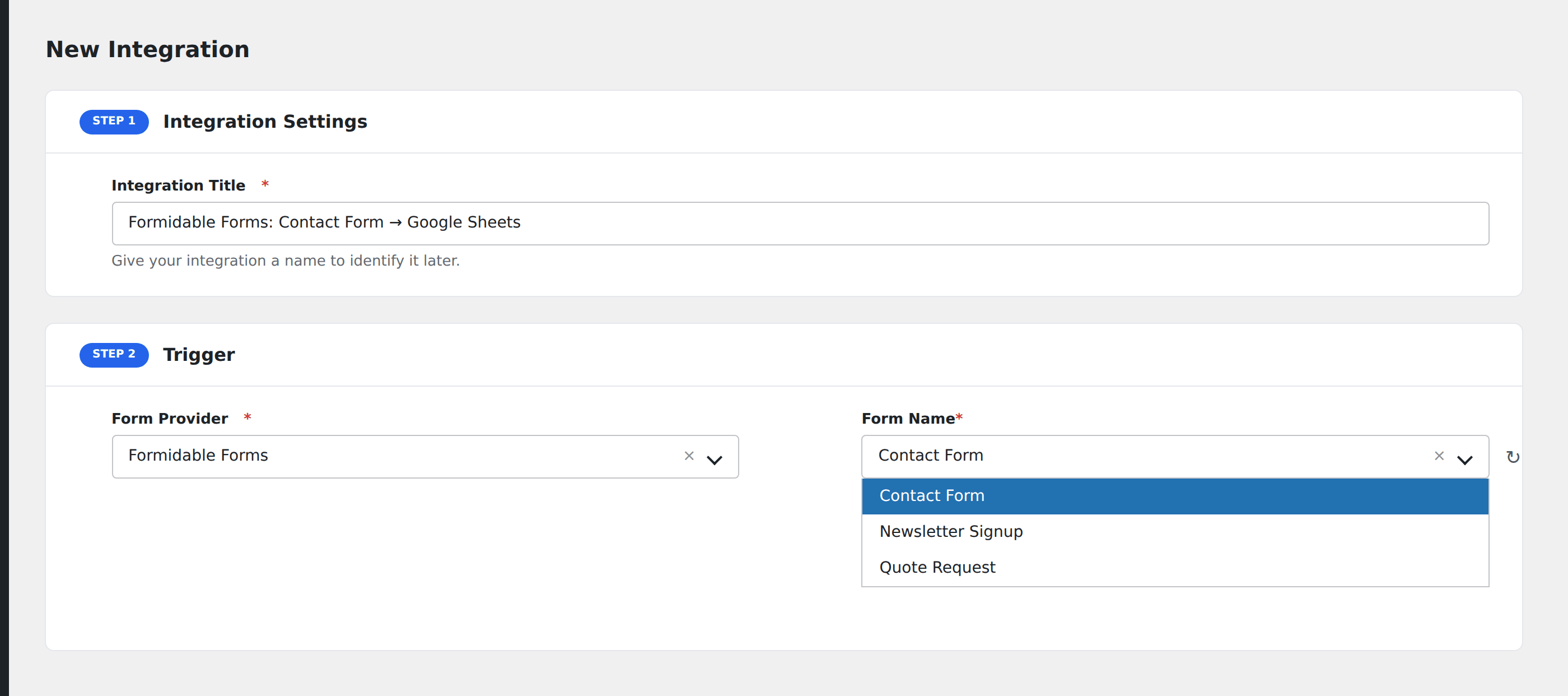
- Go to WP Admin → AFI → Add New.
- Enter an Integration Title.
- In Trigger → Form/Data Provider, select Formidable Forms.
- In Form/Task Name, choose the form to listen on.
- In Action → Platform, pick the destination and complete the field mapping.
- Optional: configure Conditional Logic.
- Click Save Integration.
How AFI listens for submissions
AFI hooks into frm_after_create_entry, which fires after Formidable validates and saves a new entry to the database. AFI runs after Formidable’s own email notifications and entry storage, so a submission rejected by Formidable validation never reaches AFI.
Field keys
Formidable identifies fields by field keys (set in the field’s Field Options → Advanced). AFI maps from these keys, so set memorable, descriptive keys like email, first_name, company rather than the auto-generated random keys.
Conditional logic example
Goal: when a quote-request form’s calculated total exceeds $10,000, route to the enterprise sales CRM. Smaller quotes go to a self-serve queue.
Create two integrations on the same form. On the enterprise CRM, add a condition with the calculated total field, Greater Than, value 10000. On the self-serve integration, use Less Than, value 10001.
Troubleshooting
Form not appearing in the Form/Task Name dropdown
Formidable caches form metadata. Re-save the form in Formidable → Forms to refresh, then reload the AFI integration screen.
Calculation field shows wrong value
Calculations run on the front-end via JavaScript. If the destination receives a stale value, ensure the calculation field’s “Save value to entry” option is enabled, otherwise the calculation isn’t persisted to the database.
Submissions not reaching the destination
Check AFI → Log for the most recent entry. The destination’s API response usually points straight at the cause.