AFI
AFI
Live Forms
Live Forms is a WordPress form-builder plugin. Advanced Form Integration captures every Live Forms submission and routes the data to any of 200+ destinations.
What you’ll need
- The Live Forms plugin installed and activated.
- The Advanced Form Integration plugin installed and activated.
- A form built and published.
Supported form fields
Standard text, email, number, phone, URL, textarea, date, time, select, radio, checkbox, hidden, and file upload fields.
Create the integration
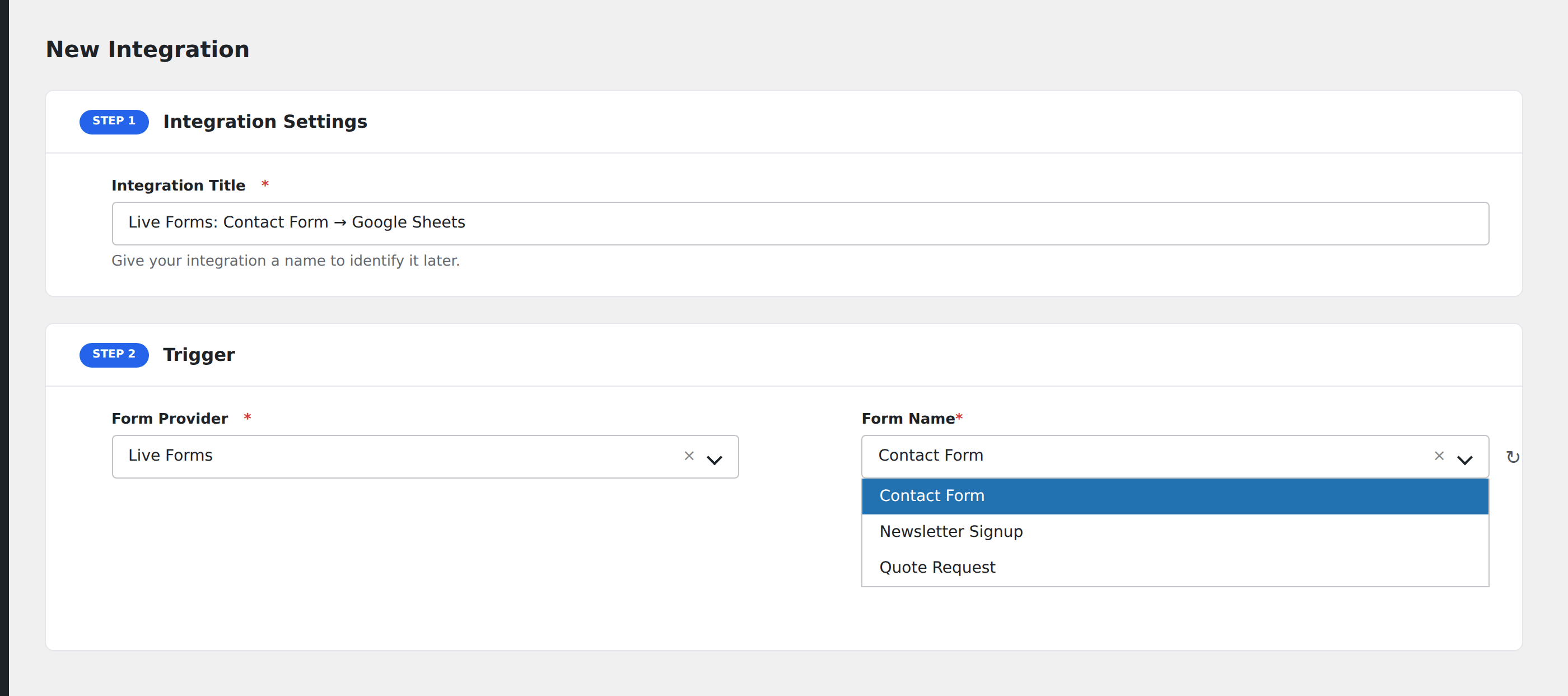
- Go to WP Admin → AFI → Add New.
- Enter an Integration Title.
- In Trigger → Form/Data Provider, select Live Forms.
- In Form/Task Name, choose the form to listen on.
- In Action → Platform, pick the destination and complete the field mapping.
- Optional: configure Conditional Logic.
- Click Save Integration.