 AFI
AFI
PrettyLinks
PrettyLinks turns long affiliate and campaign URLs into short branded links on your own domain, and tracks every click. Advanced Form Integration captures link clicks and routes the data to any of 200+ destinations.
What you’ll need
- The PrettyLinks plugin installed and activated.
- At least one link created under Pretty Links → Links.
- Click tracking set to full tracking, not count-only, on the links you care about.
- The Advanced Form Integration plugin installed and activated.
When the trigger fires
AFI registers a single Link Clicked trigger for PrettyLinks. It fires when a tracked short link is clicked and the click row is written.
Data captured
| Field | Field key | Format |
|---|---|---|
| Link ID | link_id |
Numeric ID |
| Link Name | link_name |
Text |
| Link Slug | link_slug |
Text, the slug part of the pretty link |
| Pretty (Short) URL | pretty_url |
Absolute URL |
| Target URL | target_url |
Absolute URL, destination clicked through to |
| Click ID | click_id |
Numeric ID |
| Total Clicks | total_clicks |
Numeric, the running total for that link |
Create the integration
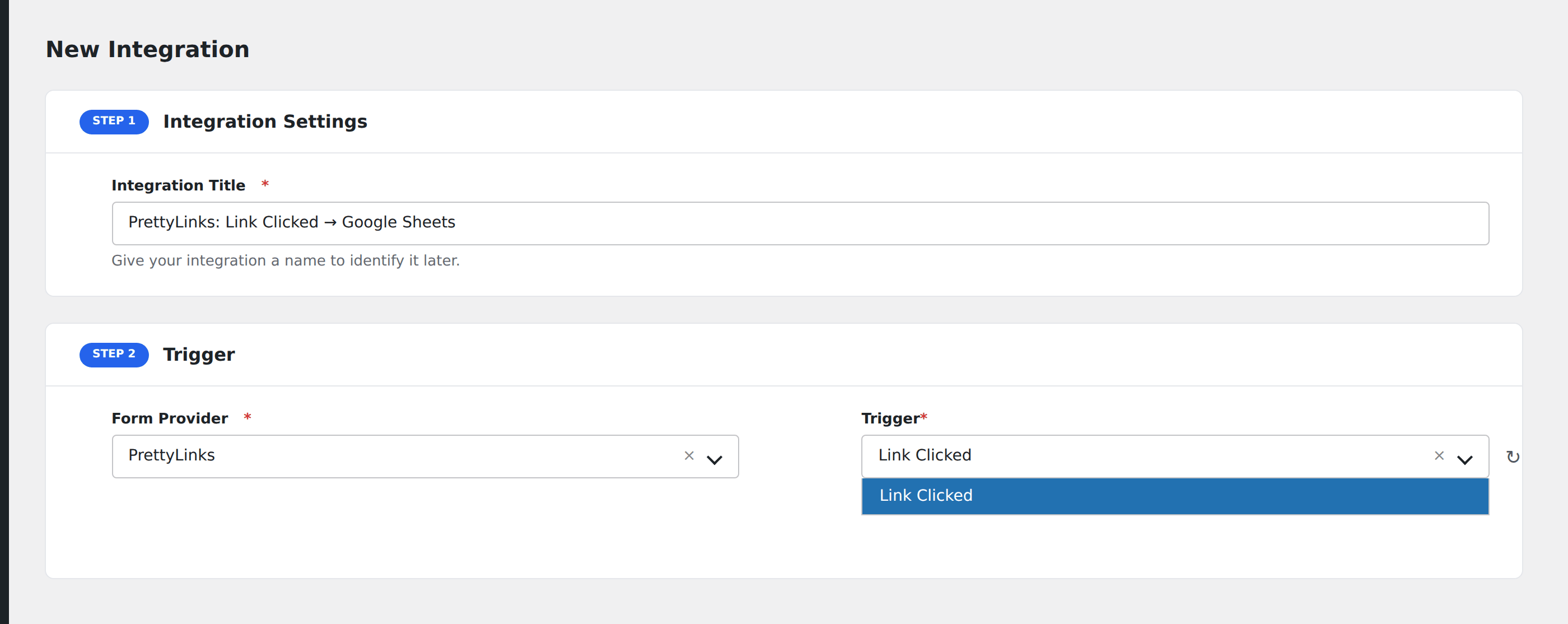
- Go to WP Admin → AFI → Add New.
- Enter an Integration Title, e.g.
PrettyLinks: Link Clicked → Google Sheets. - In Trigger → Form/Data Provider, select PrettyLinks.
- In Form/Task Name, choose Link Clicked.
- In Action → Platform, pick the destination and complete the field mapping.
- Optional: configure Conditional Logic so only matching events are sent.
- Click Save Integration.
How AFI listens for clicks
AFI hooks prli_click_written from src/Redirect/ClickWriter.php, which carries a docblock declaring it a public extension point. It fires right after the click row is inserted, so it does not fire in count-only tracking mode where no row exists. The hook passes only the link ID, click ID, and resolved outbound URL, so AFI resolves the link’s name, slug, and pretty URL through the plugin’s own PrettyLinksRepositoriesLinks::find() repository rather than querying the prli_links table directly. PrettyLinks recently rewrote its data model in v4 and the repository is the documented stable read path. Registration is guarded by defined( 'PRLI_FILE' ).
Volume
A popular short link can generate a lot of events. Before wiring this to a rate-limited destination, check the destination’s quota, and consider Conditional Logic on Link ID so only the links you actually care about dispatch.
Troubleshooting
Nothing fires
Open the link in Pretty Links → Links → Edit and confirm tracking is set to full tracking rather than count-only or no tracking. Without a click row there is no hook.
Total Clicks looks off by one
The running count is read at the moment the click is written, so it includes the click that just happened. Compare against the plugin’s own report rather than against a cached page.
Bot traffic is inflating events
Enable PrettyLinks’ own bot filtering. AFI dispatches whatever PrettyLinks decides to record.