AFI
AFI
SendPulse
SendPulse is a multi-channel marketing platform (email, SMS, web push, chatbots). Advanced Form Integration sends every form submission to SendPulse as a new email subscriber on your chosen mailing list.
What you’ll need
- An active SendPulse account.
- SendPulse API ID and API Secret (Account → Settings → API).
- The Advanced Form Integration plugin installed and activated.
Connect SendPulse to AFI
- In WordPress, go to AFI → Settings → SendPulse.
- Enter API ID and API Secret, click Save Changes.
Create the integration
- Go to AFI → Add New.
- Configure the trigger.
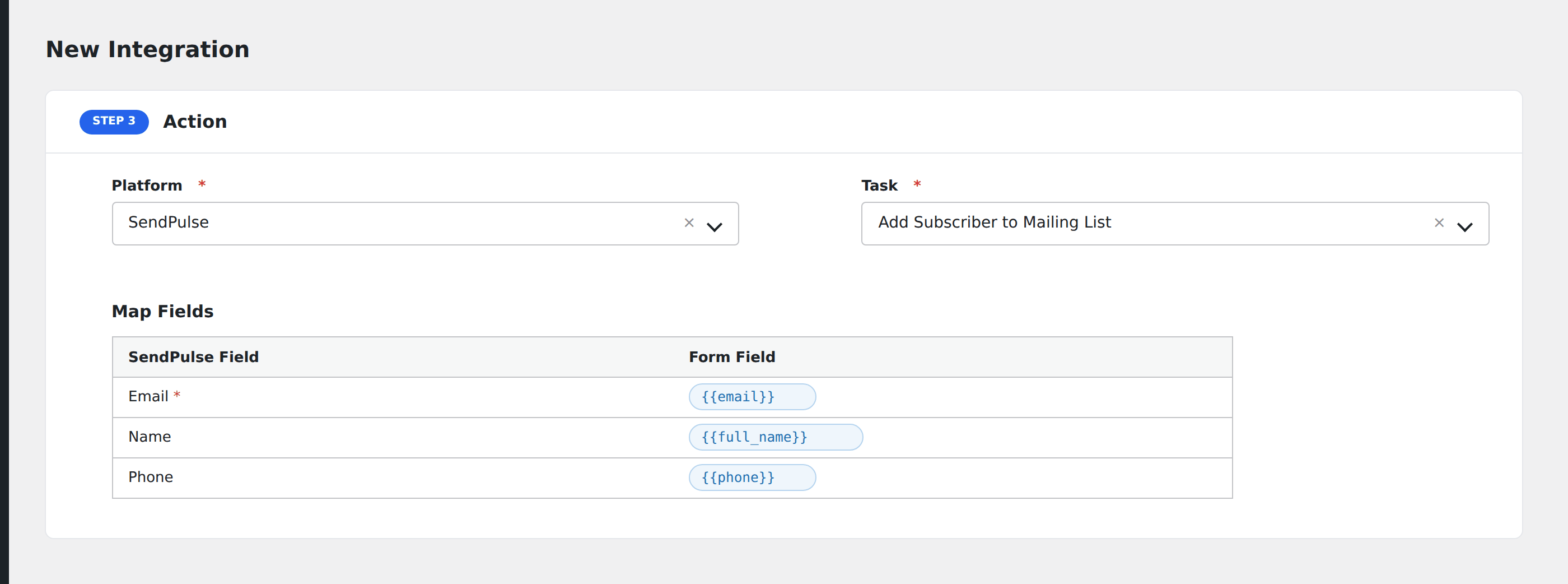
- In Action → Platform, select SendPulse.
- In Task, choose Add Subscriber to Mailing List.
- Pick the Mailing List.
- Map the form fields:
- Email (required), Name.
- Custom variables by name.
- Optional: configure Conditional Logic.
- Click Save Integration.