AFI
AFI
BigMarker
BigMarker is a browser-based webinar and virtual-event platform. Advanced Form Integration registers form submitters as BigMarker conference / webinar attendees.
What you’ll need
- An active BigMarker account.
- A BigMarker API key (Admin → Integrations → API).
- The Advanced Form Integration plugin installed and activated.
Connect BigMarker to AFI
- In WordPress, go to AFI → Settings → BigMarker.
- Paste the API key and click Save Changes.
Create the integration
- Go to AFI → Add New.
- Configure the trigger.
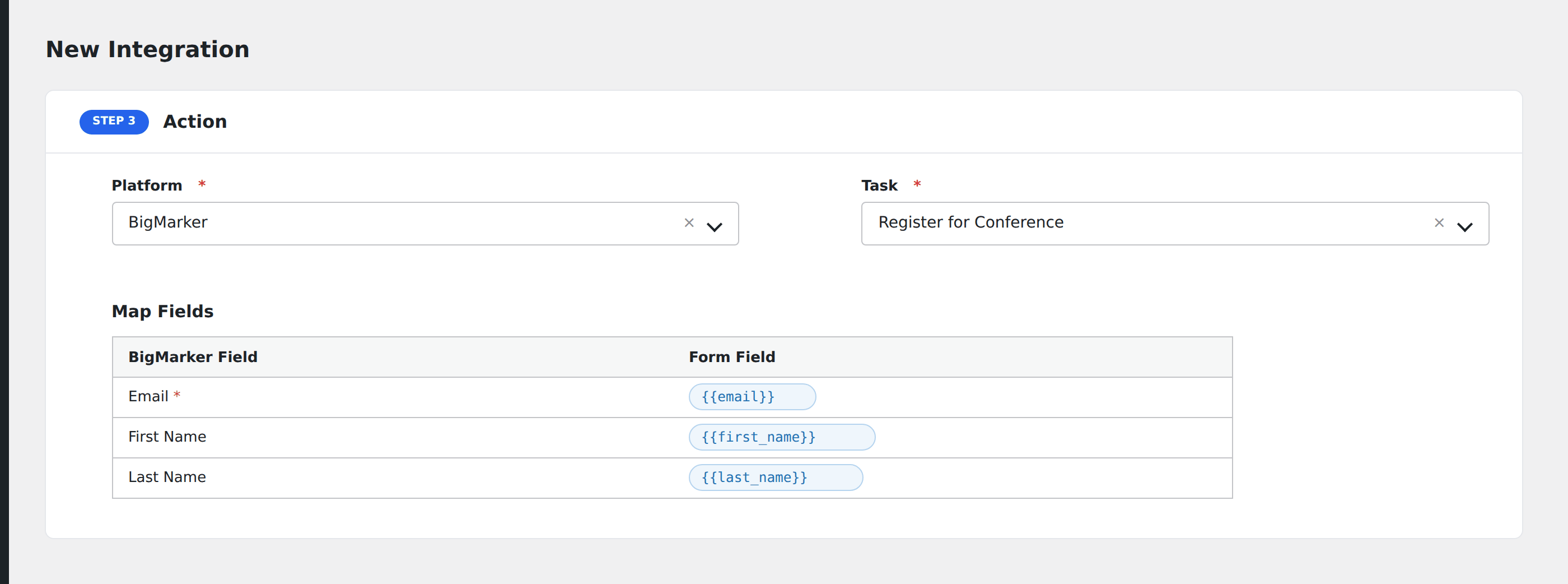
- In Action → Platform, select BigMarker.
- In Task, choose Register for Conference.
- Pick the Conference from the dropdown.
- Map the form fields:
- Email, First Name, Last Name (required).
- Optional: configure Conditional Logic.
- Click Save Integration.