AFI
AFI
Fluent Affiliate
Overview
AFI captures affiliate-program events from Fluent Affiliate and forwards them to any receiver. Push every new affiliate to your CRM, tag them in Mailchimp by status, log commissions to a sheet for accounting, or alert your team in Slack when high-value referrals come in.
Available triggers
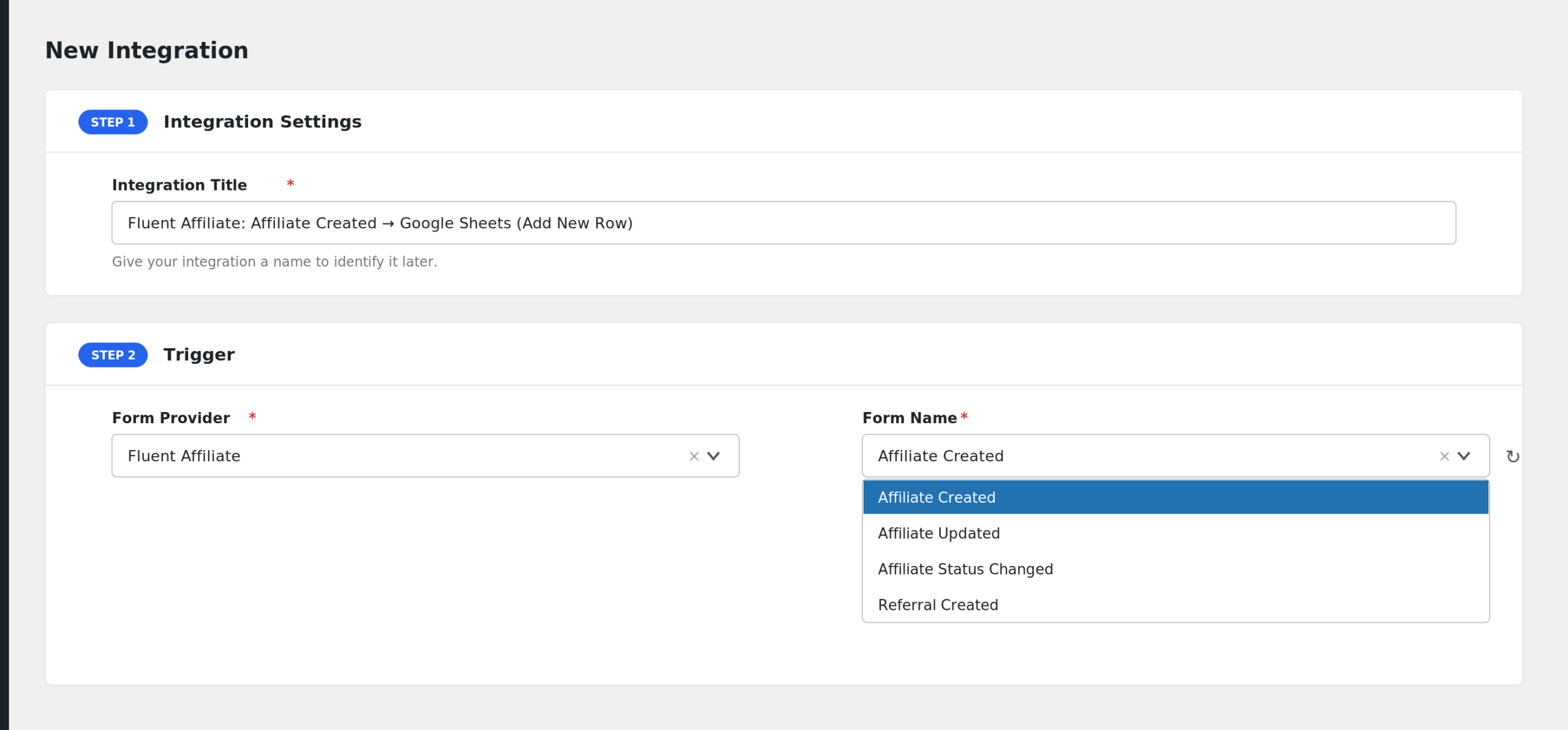
AFI listens for the following events from Fluent Affiliate. Each event runs as its own integration — you can have several integrations on the same plugin firing on different events.
- Affiliate Created
- Affiliate Updated
- Affiliate Status Changed
- Referral Created
Mappable fields
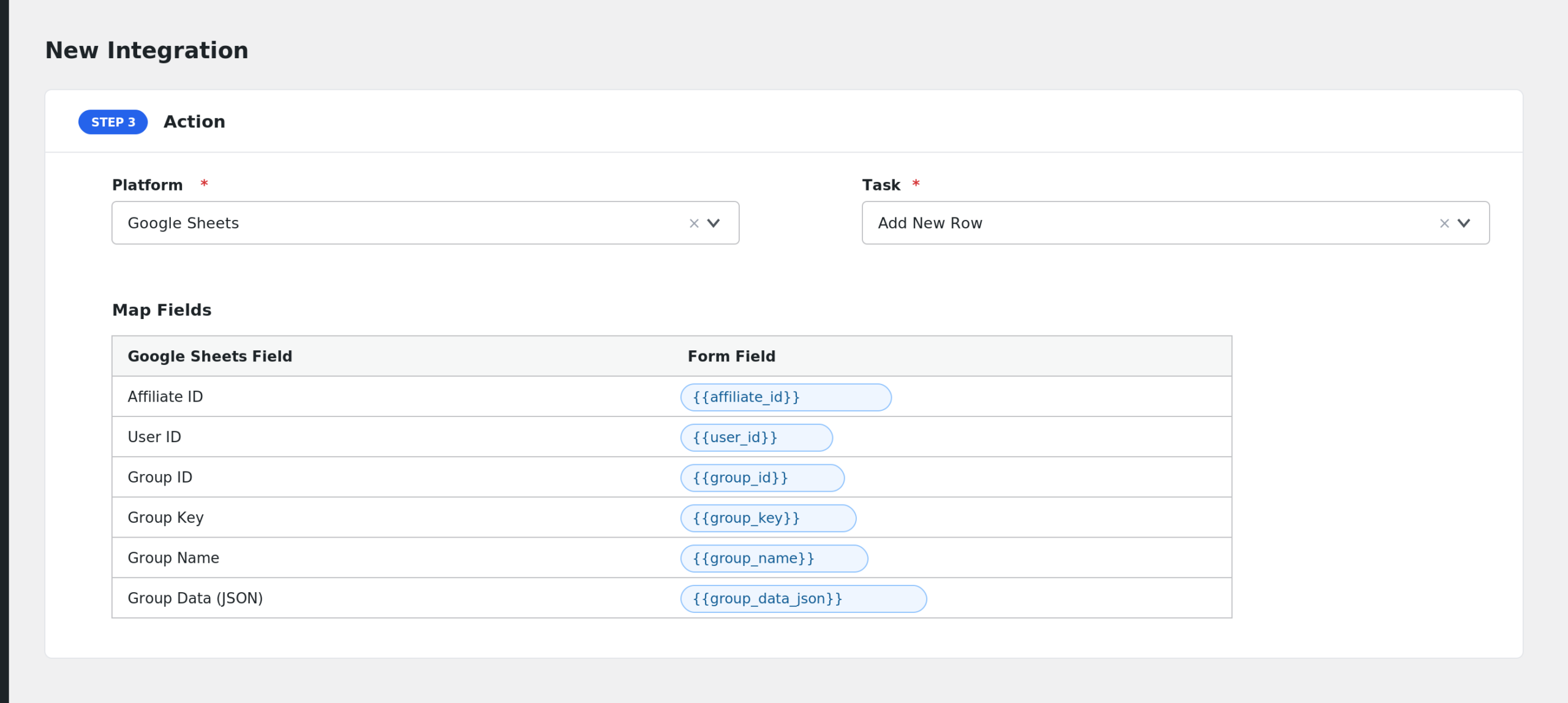
Affiliate events expose the affiliate’s profile fields (name, email, website, payment details), their referral code, status, and commission rate. Referral events additionally expose the referral amount, the underlying order ID, and the referred customer.
Requirements
- Fluent Affiliate plugin installed and activated.
- At least one affiliate account created.
Quick start
- In WordPress admin, go to AFI > New Integration.
- Trigger > Sender: pick Fluent Affiliate.
- Event / Form: pick the specific event you want this integration to listen on (e.g. Affiliate Created).
- Pick a Receiver (e.g. Mailchimp, HubSpot, Google Sheets, Slack) and the desired task.
- Map Fluent Affiliate fields onto the receiver’s fields. Use special tags (
{{_date}},{{_user_ip}}, etc.) for values not present in the form. - Optional: add Conditional Logic to control when the receiver is called.
- Save and run a test event to confirm the integration. Check AFI > Log if anything looks off.
Notes & caveats
- Status-change events include the new status; use the Affiliate Status Changed trigger with Conditional Logic on
statusto route approved affiliates differently from rejected or pending ones. - Commission events fire when the referral is created — refunds and reversals fire separate status-change events on the referral record (currently captured manually via the plugin admin).
- WooCommerce / EDD referrals include the order details only when the source order exists; manual referrals come through without an order context.
Related
- Contact Form 7
- WPForms
- Reading the Log
- Smart Tags & Field Mapping
- AffiliateWP
- Easy Affiliate
- SliceWP