AFI
AFI
Cool FormKit
Overview
AFI captures submissions from forms built with the Cool FormKit Elementor form add-on and forwards them to any receiver. Every field on the form becomes a mappable value, with the usual special-tag and conditional-logic features layered on top.
Available triggers
AFI listens for the following events from Cool FormKit. Each event runs as its own integration — you can have several integrations on the same plugin firing on different events.
- Form submitted
Mappable fields
AFI reads the FormKit form’s schema and exposes every visible and hidden field for mapping. Conditional fields are exposed too, with empty values when the submitter didn’t see them.
Requirements
- Elementor installed and activated.
- Cool FormKit installed and activated.
- At least one Cool FormKit form published on a page.
Quick start
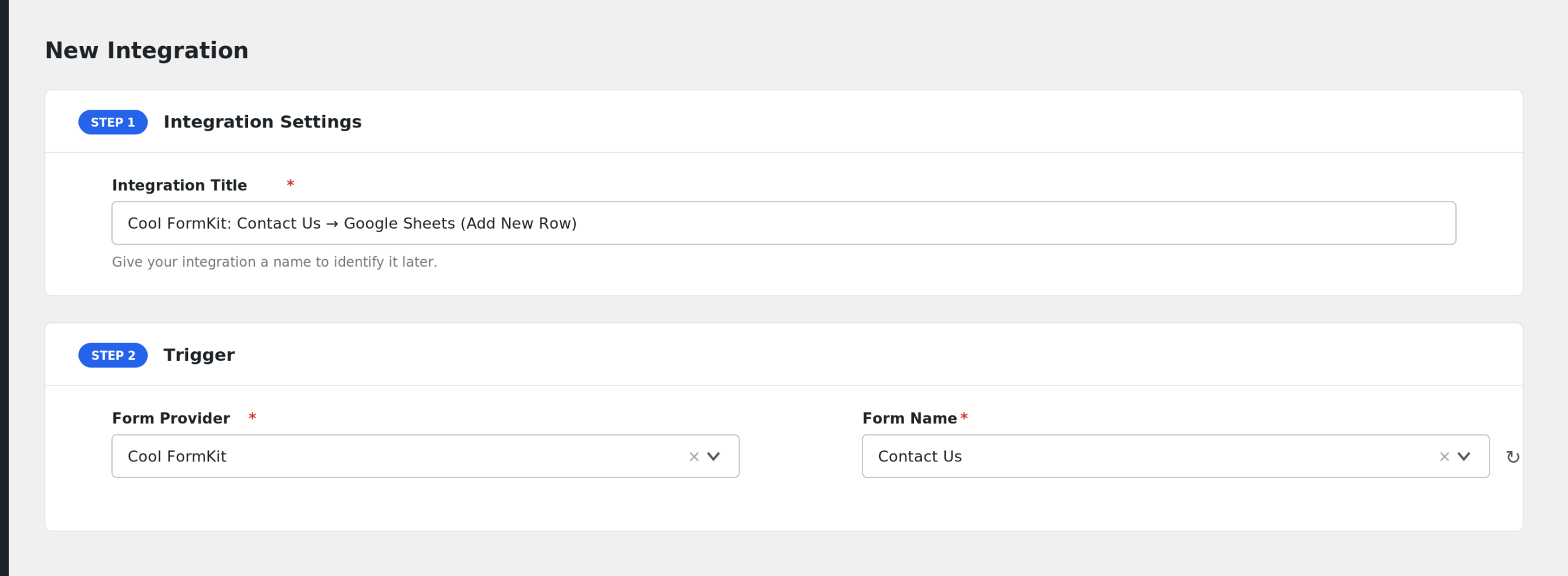
- In WordPress admin, go to AFI > New Integration.
- Trigger > Sender: pick Cool FormKit.
- Event / Form: pick the specific event you want this integration to listen on (e.g. Form submitted).
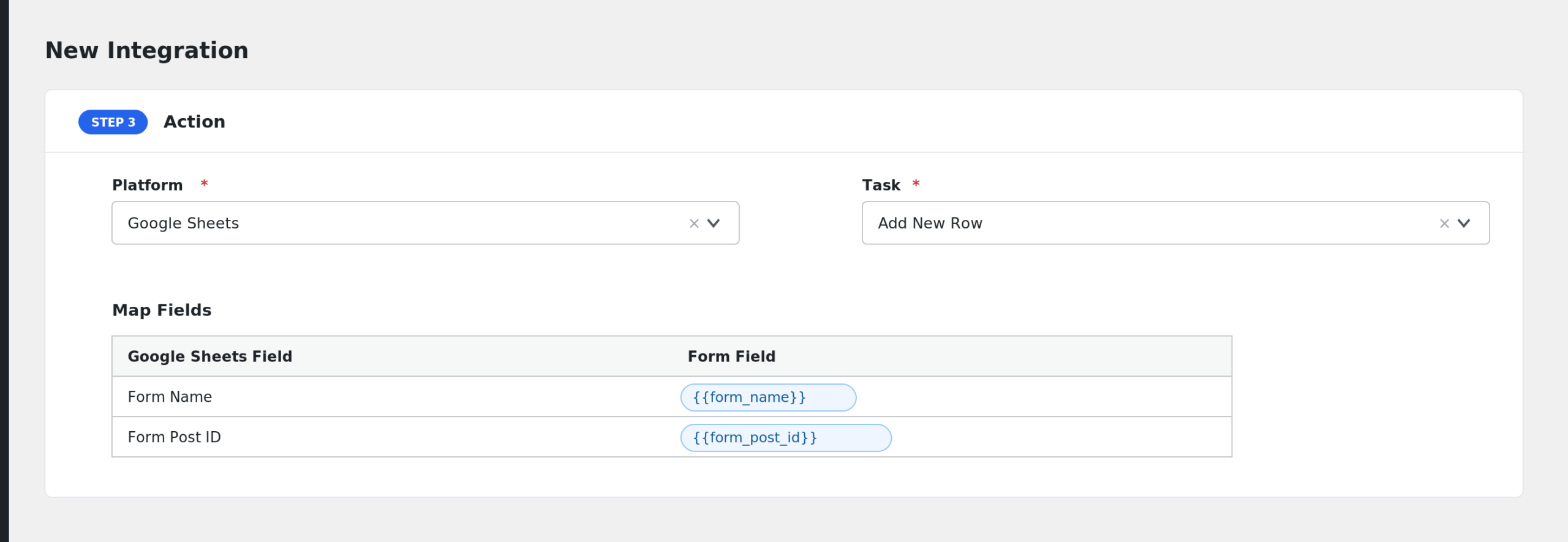
- Pick a Receiver (e.g. Mailchimp, HubSpot, Google Sheets, Slack) and the desired task.
- Map Cool FormKit fields onto the receiver’s fields. Use special tags (
{{_date}},{{_user_ip}}, etc.) for values not present in the form. - Optional: add Conditional Logic to control when the receiver is called.
- Save and run a test event to confirm the integration. Check AFI > Log if anything looks off.
Notes & caveats
- Form identity is by form name — rename a form and you’ll need to re-pick it in the AFI integration.
- File uploads are passed through as URLs to the uploaded file.
- Repeater fields are flattened into a single comma-separated value.
Related