 AFI
AFI
Webhook (Pro)
The Pro Webhook receiver extends the free Webhook integration with custom headers, multiple authentication schemes, payload transforms, and retry-on-failure handling. Use it when you need to integrate with an API that has stricter requirements than basic POST.
What you’ll need
- A target endpoint URL that accepts JSON or form-encoded POST/PUT/PATCH requests.
- The Advanced Form Integration plugin installed and activated.
Create the integration
- Go to AFI → Add New.
- Configure the trigger.
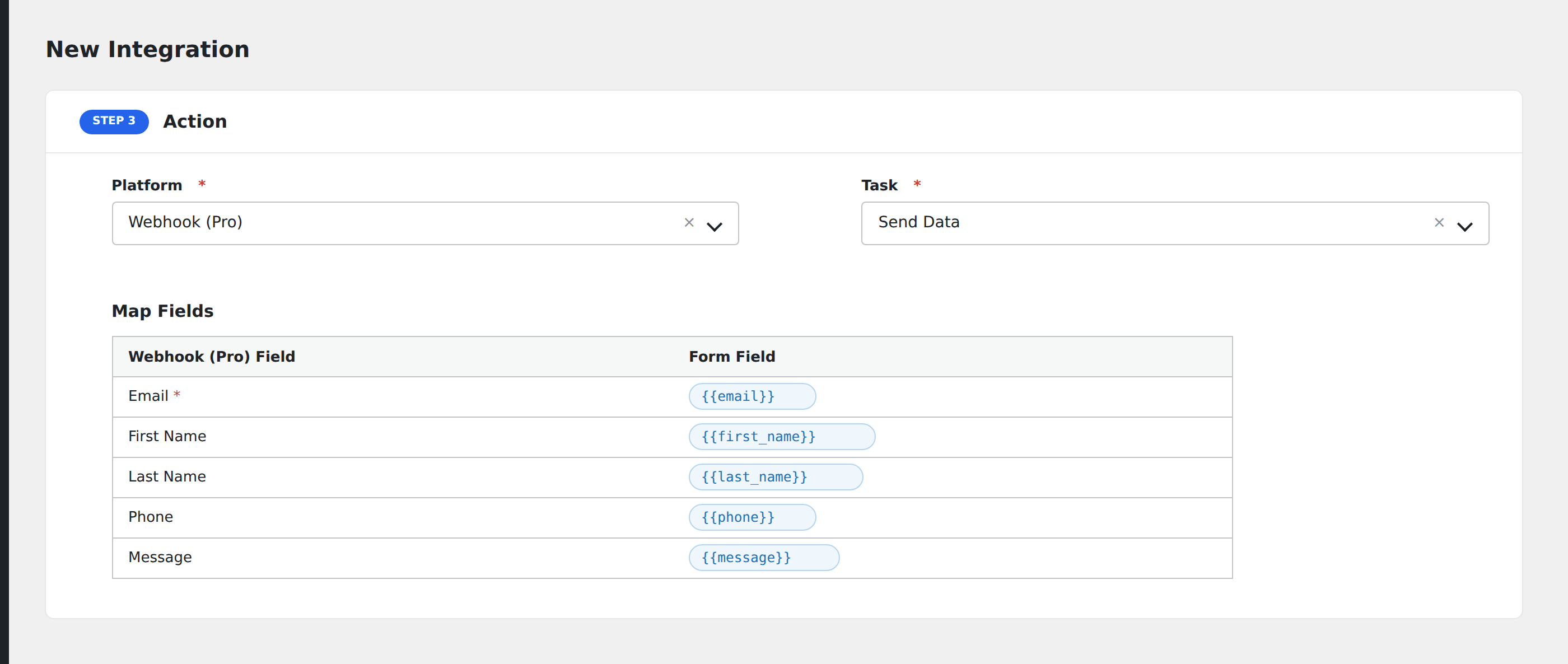
- In Action → Platform, select Webhook (Pro).
- In Task, choose Send Data.
- Configure:
- URL: the destination endpoint.
- Method:
POST,PUT,PATCH,DELETE, orGET(GET sends data as query parameters). - Body Format:
JSON,Form-encoded, orXML. - Custom Headers: add any number of
Header-Name: valuepairs (e.g.,X-API-Key: ...,Content-Type: ...). - Authentication: pick
None,Basic,Bearer Token, orOAuth 2.0 Client Credentials. - Retry on failure: number of retry attempts (1-5) with exponential backoff.
- Map the form fields to body keys (or use a free-form template for full control over the payload structure).
- Optional: configure Conditional Logic.
- Click Save Integration.
Tasks supported
Send Data
Sends the form payload to the configured URL with all the configured headers, auth, and body format. The response code and body are saved in AFI → Log for debugging.
Pro features
- Custom HTTP method (PUT, PATCH, DELETE, GET).
- Custom headers with merge-tag support.
- Multiple auth modes (Basic, Bearer, OAuth 2.0).
- Body formats beyond JSON (form-encoded, XML).
- Retry on failure with exponential backoff.
- Free-form payload template for non-flat JSON structures.
Conditional logic example
Send to your /api/high-priority endpoint only when the form’s priority field is “urgent”. Standard submissions go to /api/standard via a second Webhook Pro integration with a different conditional logic gate.
Troubleshooting
Endpoint returns 401
Check the auth mode and credentials. For Bearer tokens, confirm the token isn’t expired (some providers issue short-lived tokens). For OAuth Client Credentials, verify the token endpoint URL and client secret.
Endpoint returns 415 (Unsupported Media Type)
Some APIs require a specific Content-Type header. Set it explicitly under Custom Headers: application/json, application/x-www-form-urlencoded, or whatever the API expects.
Retries firing the same submission multiple times
If your endpoint isn’t idempotent (returns errors but actually processes the request), retries can create duplicates. Either fix the endpoint to be idempotent, or set retries to 0 for that integration.
Related docs
- Webhook (free): basic POST without advanced features
- Send Contact Form 7 via Webhook (Pro)
- Conditional Logic