 AFI
AFI
Quiz And Survey Master (QSM)
Quiz And Survey Master is a popular free WordPress quiz and survey plugin by ExpressTech. Advanced Form Integration captures every QSM submission and routes the data to any of 200+ destinations.
What you’ll need
- The Quiz And Survey Master plugin installed and activated.
- At least one quiz or survey published.
- The Advanced Form Integration plugin installed and activated.
Quiz/survey data captured
| Field | Format |
|---|---|
| Quiz/survey name | The quiz title |
| Quiz ID | Numeric QSM ID |
| Taker name | Same as input |
| Taker email | Same as input |
| Taker phone | Same as input |
| Score | Numeric (raw points or percentage based on quiz settings) |
| Total questions | Numeric |
| Correct answers | Numeric |
| Time taken | Seconds (numeric) |
| Pass / Fail | If applicable |
| Each question | Question text → answer text |
| Created at | YYYY-MM-DD HH:MM:SS |
Create the integration
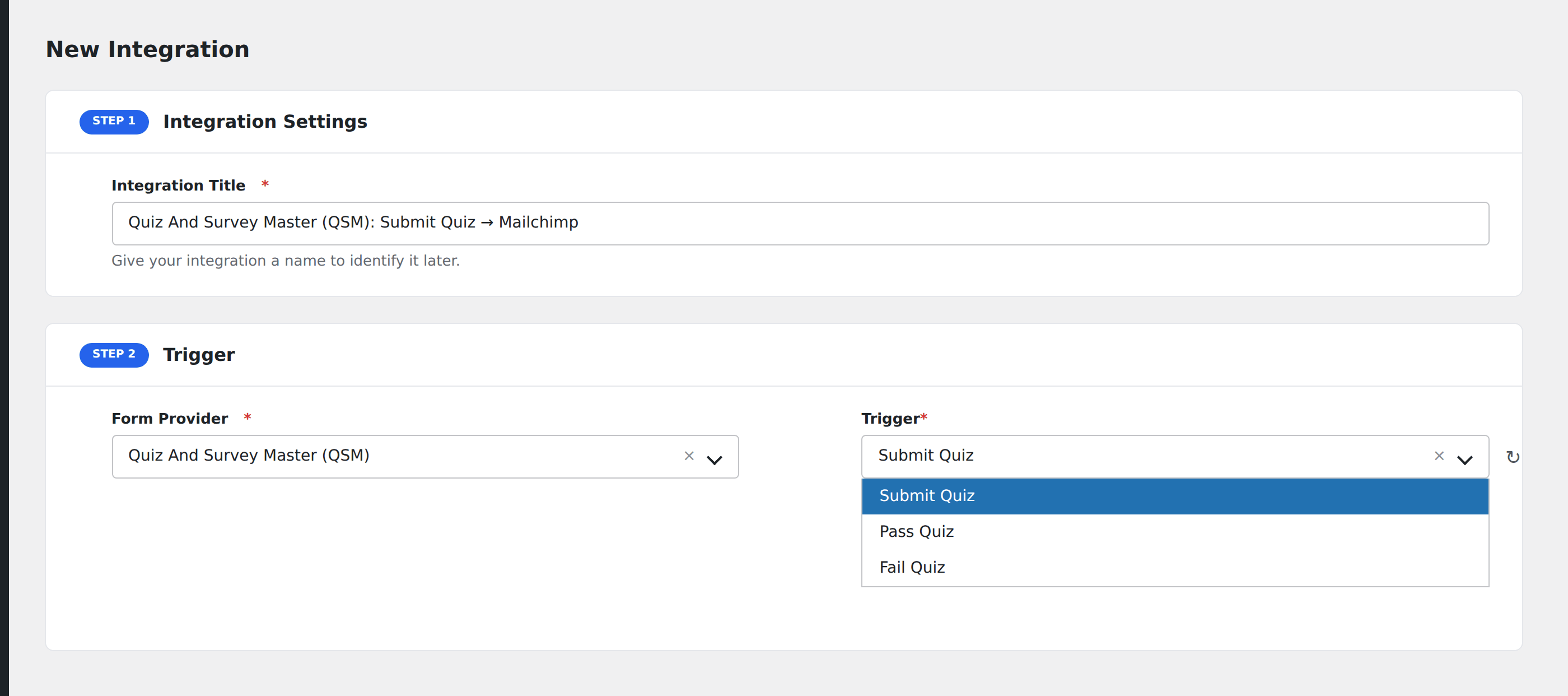
- Go to WP Admin → AFI → Add New.
- Enter an Integration Title, e.g.
Quiz result → Mailchimp segment. - In Trigger → Form/Data Provider, select Quiz And Survey Master (QSM).
- In Form/Task Name, choose the quiz/survey.
- In Action → Platform, pick the destination and complete the field mapping.
- Optional: configure Conditional Logic.
- Click Save Integration.
Conditional logic example
Goal: when a quiz score is below 50%, send a follow-up email with study resources via Mailchimp.
Create the Mailchimp integration. Open the Conditional Logic panel, add a condition with the score field, Less Than, value 50.