AFI
AFI
OneHash CRM
OneHash CRM is the CRM module of the OneHash business suite (built on the open-source ERPNext platform). Advanced Form Integration sends form submissions to OneHash CRM as new leads or contacts.
(This page complements the existing OneHash and OneHash AI docs; they share the same auth flow but cover different OneHash modules.)
What you’ll need
- An active OneHash account with CRM module enabled.
- OneHash API Key and API Secret (User Settings → API Access → Generate).
- Your OneHash site URL (e.g.,
https://yourcompany.onehash.ai). - The Advanced Form Integration plugin installed and activated.
Connect OneHash CRM to AFI
- In WordPress, go to AFI → Settings → OneHash CRM.
- Enter the site URL, API Key, and API Secret.
- Click Save Changes.
Create the integration
- Go to AFI → Add New.
- Configure the trigger.
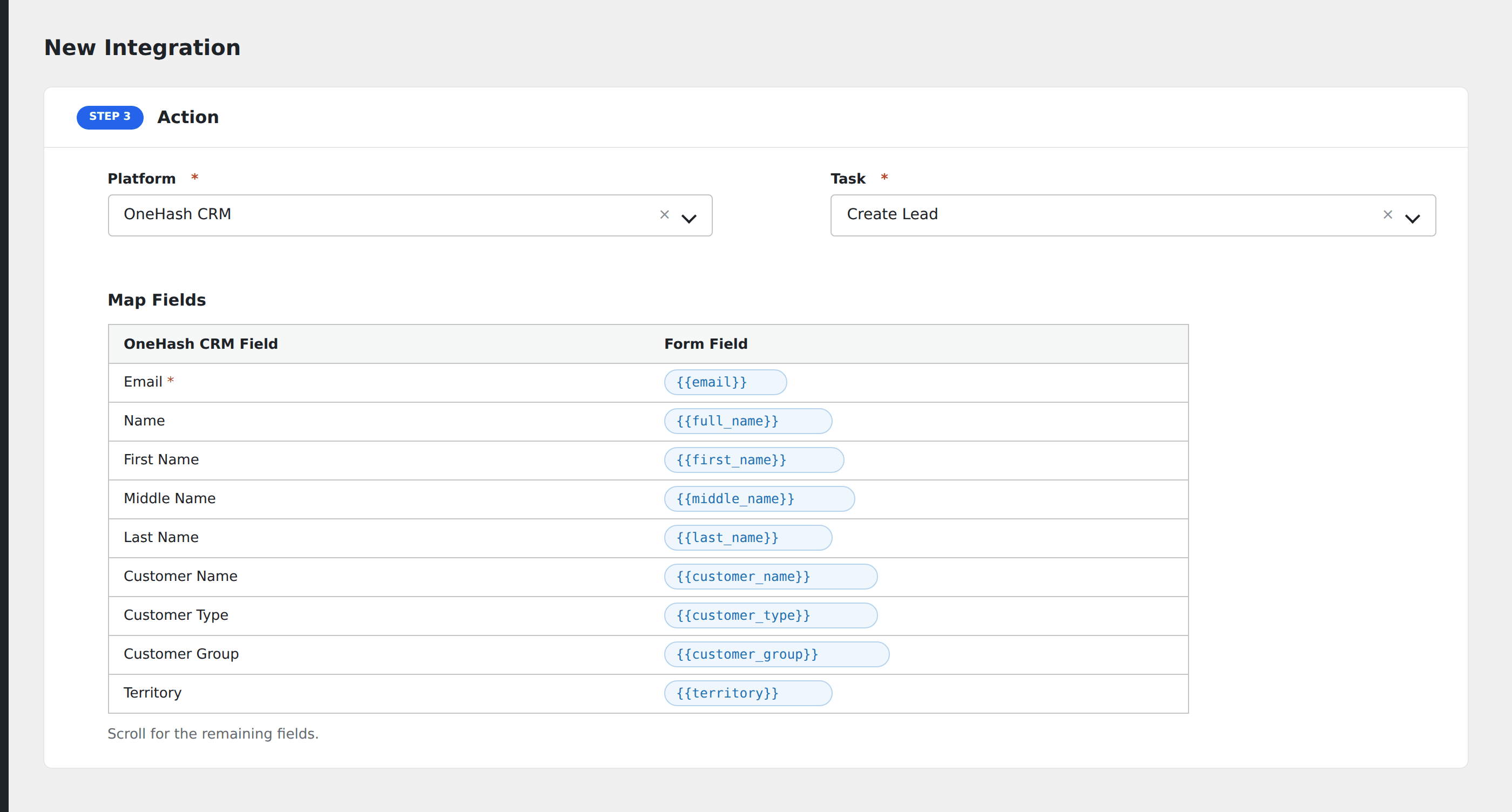
- In Action → Platform, select OneHash CRM.
- In Task, choose Create Lead or Create Contact.
- Map the form fields:
- For lead: Lead Name (required), Email, Mobile No, Company Name, Source, Status, Industry.
- For contact: First Name, Last Name, Email, Mobile No, Salutation.
- Custom fields by Frappe field name (ERPNext’s underlying framework).
- Optional: configure Conditional Logic.
- Click Save Integration.