AFI
AFI
Crowdsignal Forms
Overview
AFI captures responses from Crowdsignal Forms (the WordPress.com surveys/forms plugin) and routes each response to any receiver — push results into your CRM, drop them into Google Sheets for analysis, or aggregate them in Slack.
Available triggers
AFI listens for the following events from Crowdsignal Forms. Each event runs as its own integration — you can have several integrations on the same plugin firing on different events.
- Response submitted
Mappable fields
Each form response exposes every question/answer pair: free-text answers come through as plain text, multiple-choice answers as the selected option label, and rating questions as the numeric score. The respondent’s IP and timestamp are available through the standard special tags.
Requirements
- Crowdsignal Forms plugin installed and activated.
- At least one published Crowdsignal form.
Quick start
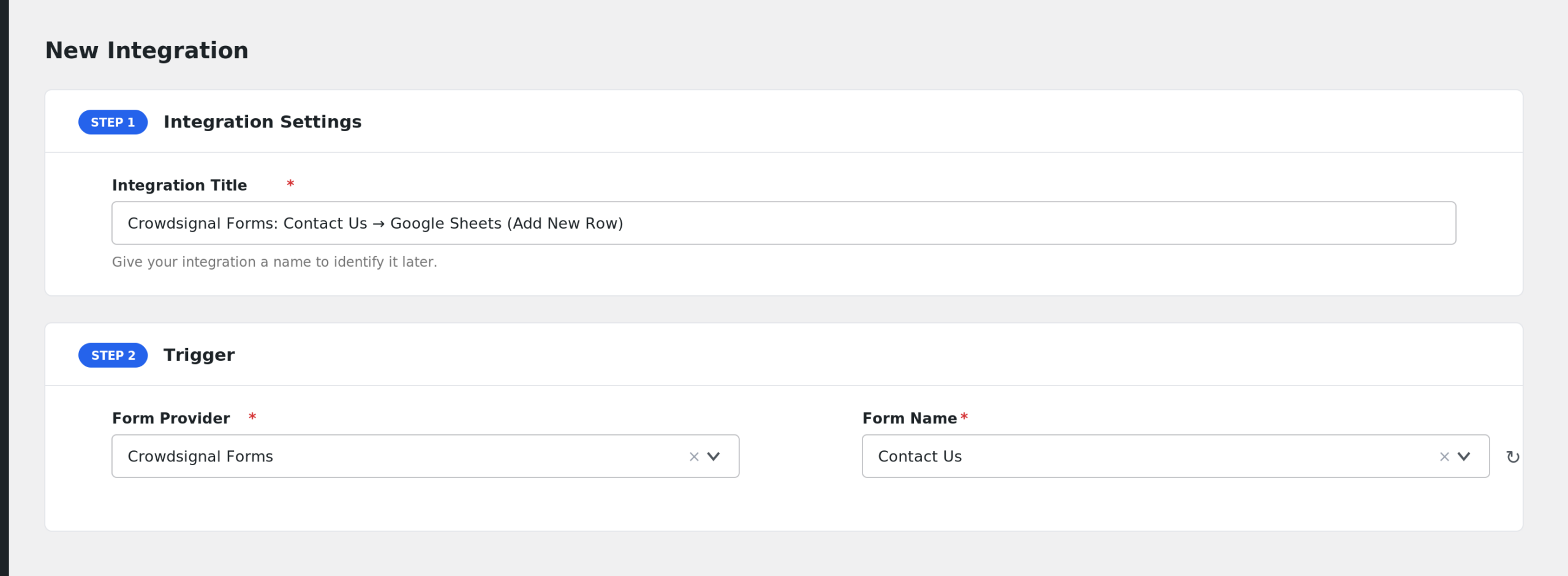
- In WordPress admin, go to AFI > New Integration.
- Trigger > Sender: pick Crowdsignal Forms.
- Event / Form: pick the specific event you want this integration to listen on (e.g. Response submitted).
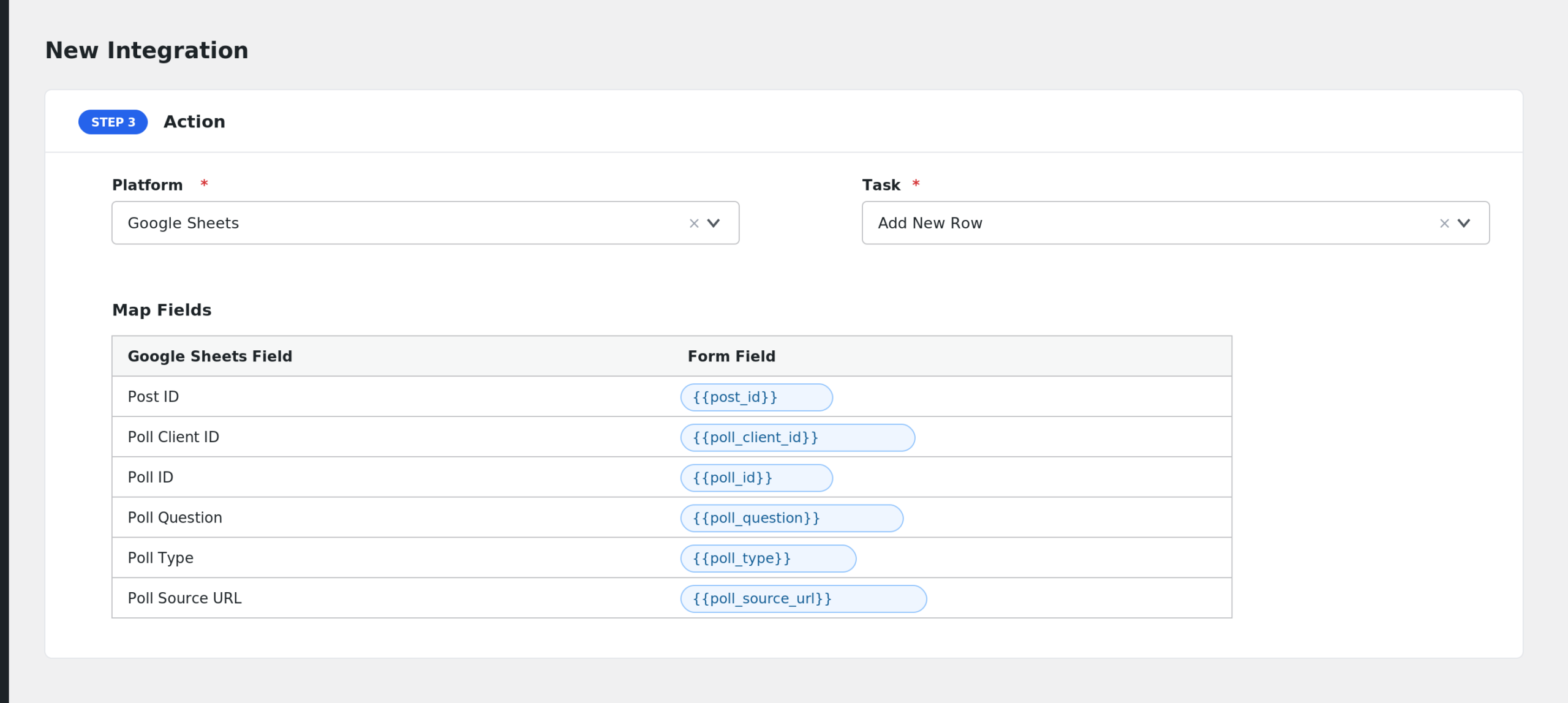
- Pick a Receiver (e.g. Mailchimp, HubSpot, Google Sheets, Slack) and the desired task.
- Map Crowdsignal Forms fields onto the receiver’s fields. Use special tags (
{{_date}},{{_user_ip}}, etc.) for values not present in the form. - Optional: add Conditional Logic to control when the receiver is called.
- Save and run a test event to confirm the integration. Check AFI > Log if anything looks off.
Notes & caveats
- Question identity is by question text — edit a question’s wording and the field key changes; re-pick the field in the integration.
- Anonymous responses still trigger the integration; if you only want logged-in responses, add a Not Equal To empty conditional rule on a logged-in-only field.
Related